
An AI image extender adds new image areas beyond the original canvas, instead of shrinking or cutting the image. Unlike resizing or cropping, it preserves the original content and composition while generating new space that matches lighting, depth, and visual balance.
Extend Images Without Breaking Composition
Fill missing space naturally with AI that understands composition, lighting, and visual balance — so your image stays complete, not distorted.
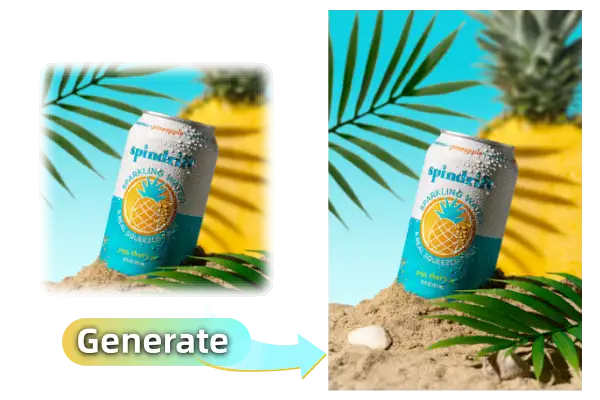
Upload Image
Click or drag image here
PNG / JPG / JPEG / WEBP · Max 2MB
Left:px
Right:px
Top:px
Bottom:px
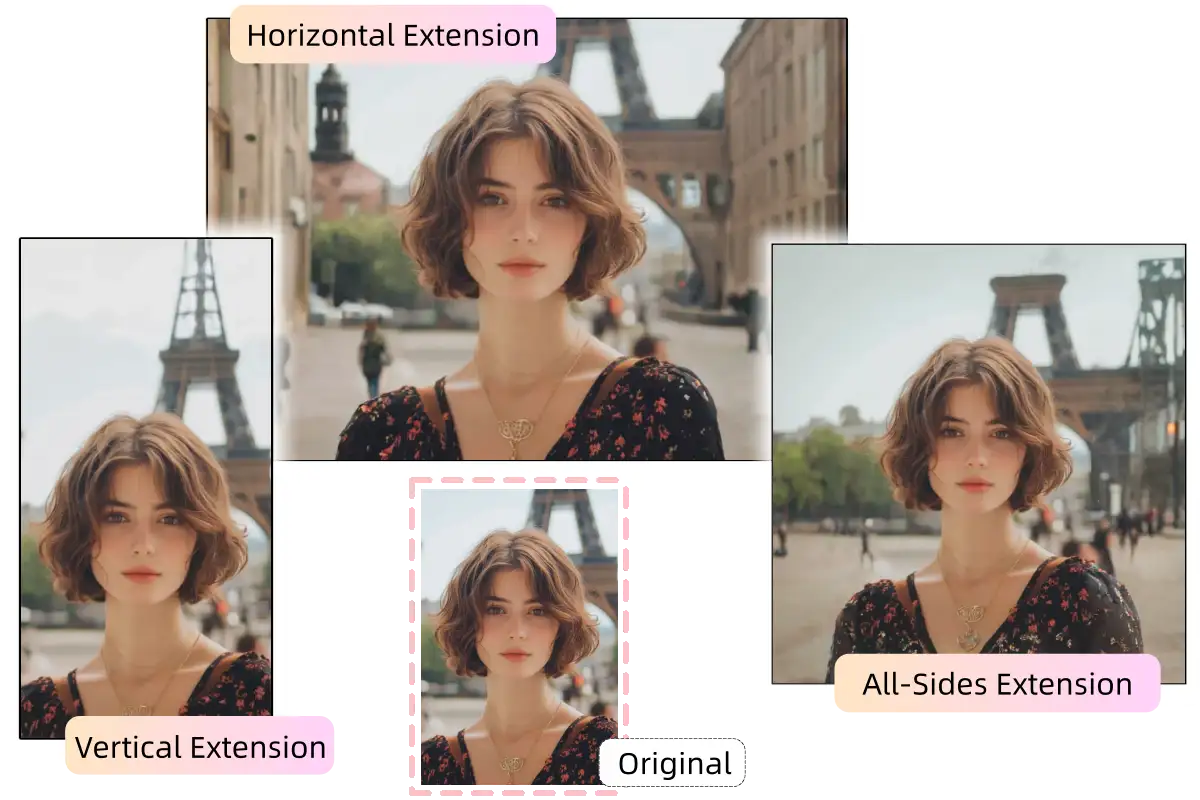
One Image. Three Natural Extensions.
Same image extended in different ways
Why Images Break When You Extend Them
Most image extenders focus on adding pixels — not preserving how the image actually works.
Balance gets lost
Visual weight shifts and the image feels wrong.
Repetition looks artificial
Copied textures look flat and fake.
Lighting breaks
New space doesn’t match depth or light.
HOW IT WORKS
How AI Extends Images Without Breaking Composition
1. Upload your image
Upload an image, and the AI analyzes its composition, visual balance, and focal areas to understand how the image is structured.
2. Set extension size
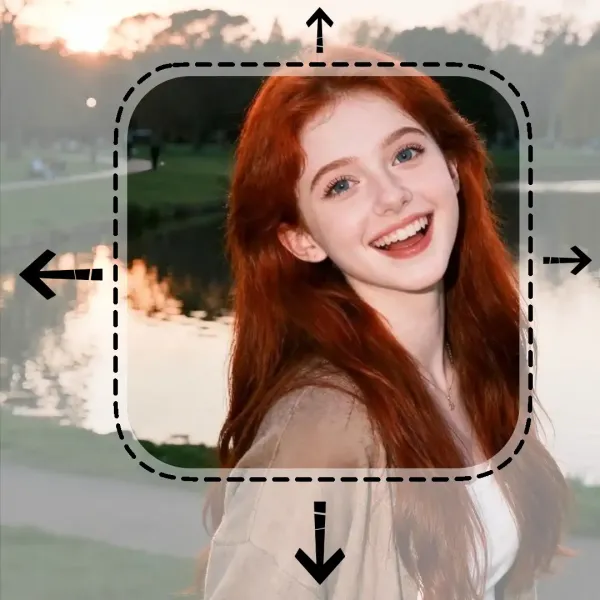
Choose how much space to add on each side. The AI matches lighting, depth, and textures so new areas align with the original image.
3. Generate naturally
The AI generates missing space instead of copying pixels, blending new content seamlessly without repetition or distortion.
Ready to extend your image without breaking its composition?
A powerful AI image extender designed to expand images naturally — without breaking composition or visual balance.
Extends images without breaking composition
Our AI image extender understands visual balance, lighting, and depth, generating new space that feels like part of the original image — not an artificial add-on.
Gives you precise, predictable control
Control AI image extension down to exact pixel values on each side. Extend only where needed, with clean, consistent results every time.
Ready to extend your image without breaking its composition?
USE CASE
When to Use This Image Extender
Our AI image extender is designed for situations where images need more space — without stretching, cropping, or breaking composition.

Design & layout adjustments

Content & social media

E-commerce & marketing images
FAQ
FAQ — AI Image Extender
Learn how our free AI image upscaler can increase image resolution, enhance photo quality, and sharpen your images online.