
No. The AI watermark remover analyzes surrounding texture, lighting, and structure to reconstruct removed areas naturally. This process helps maintain sharpness and visual consistency without blur, artifacts, or noticeable quality loss.
Free AI Watermark Remover from Images
Remove unwanted watermarks, logos, or text from images with AI. Our free watermark remover automatically reconstructs missing areas, preserving original texture, lighting, and visual consistency—no manual editing required.

Upload Image
Click or drag image here
PNG / JPG / JPEG / WEBP · Max 2MB
how it works
How to Remove Watermarks from Images with AI
1
Choose Automatic or Manual Removal
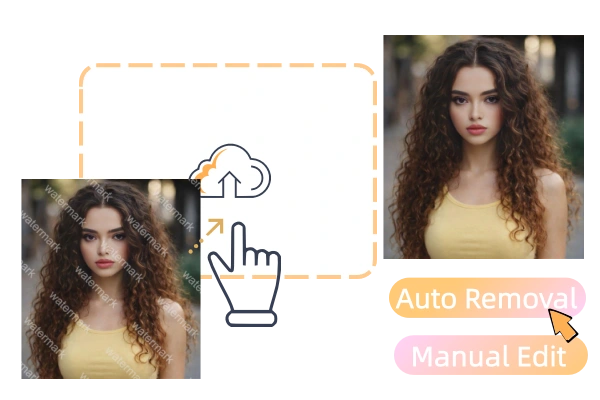
Select automatic AI removal for quick results, or switch to manual tools when you need precise control over complex watermark areas.
2
Upload Your Image
Upload the image you want to clean. The tool supports common image formats and processes your file directly online.
3
Remove Watermarks and Download the Result
Start the removal process and let AI reconstruct the cleared areas. Once finished, download your clean image in high resolution with no visible quality loss.
FEATURE
Discover How Our AI Watermark Remover Works
From instant removal to precise manual control, our AI watermark remover helps you clean images efficiently while preserving quality and flexibility.
01
Instant One-Click Upload for Automatic Watermark Removal
Simply upload your image and let AI do the work. Live3D AI watermark remover automatically detects watermarks, logos, or text and removes them without any setup or configuration. This one-click process is designed for speed and convenience, making it ideal for quick edits, repetitive tasks, or users who want clean results with minimal effort.
Remove Watermark Instantly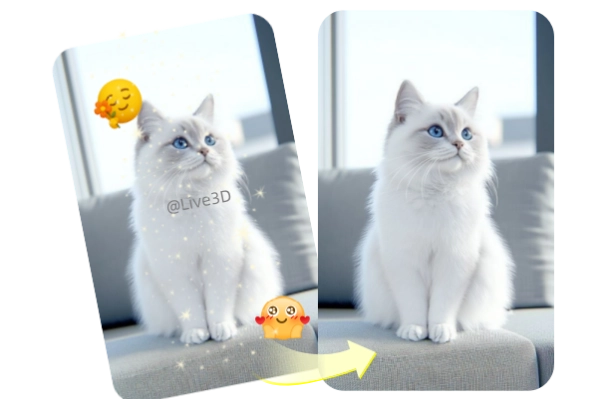
02
Manual Editing Tools for Complex and Detailed Watermarks
When automatic removal isn’t enough, switch to manual controls for precision editing. Adjust brush size, zoom into fine details, drag across specific areas, erase selectively, crop unwanted sections, or undo and reset changes freely. These tools help handle complex backgrounds, overlapping watermarks, and sensitive image areas.
Refine Watermark Areas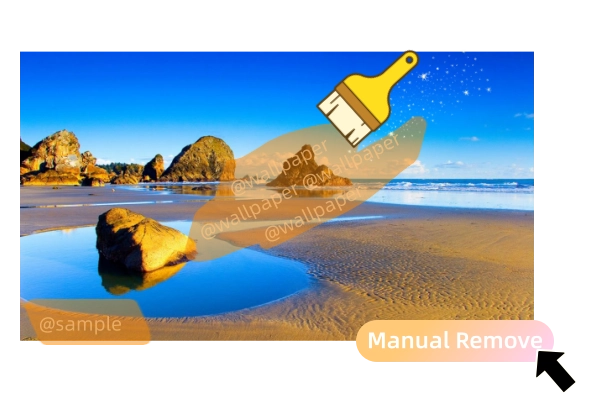
03
Remove Watermarks Without Affecting Image Quality
Our AI watermark remover goes beyond simple deletion by intelligently reconstructing removed regions. It analyzes nearby textures, lighting, and structure to fill gaps naturally, ensuring the final image remains sharp and visually consistent. The result looks clean and original, without blur, artifacts, or noticeable quality loss.
Preserve Image Quality
04
Compatible With Multiple Image Formats for Flexible Use
Upload and process images in common formats such as PNG, JPEG, WEBP, and BMP. Whether you’re working with web images, design exports, or high-resolution photos, the tool ensures smooth processing and reliable results across different file types and creative workflows.
Upload Supported Formats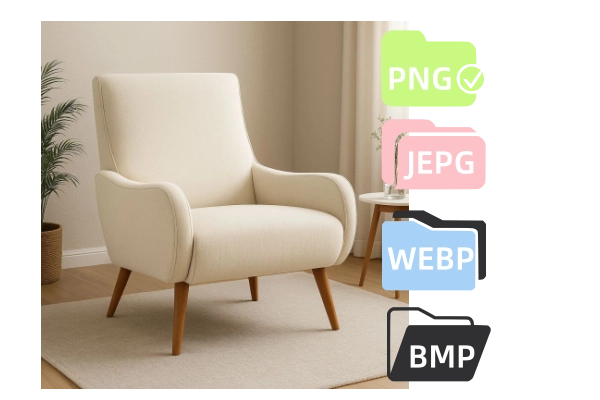
FAQ
FAQ About AI Watermark Remover
Got a question? We've got answers. If you have some other questions, see our support center.