
-AI Photo Enhancer improves clarity, details, and lighting to make photos look better. -AI Image Upscaler increases image resolution to make photos larger. Use the enhancer for quality, and the upscaler for size.
Free AI Photo Enhancer Online
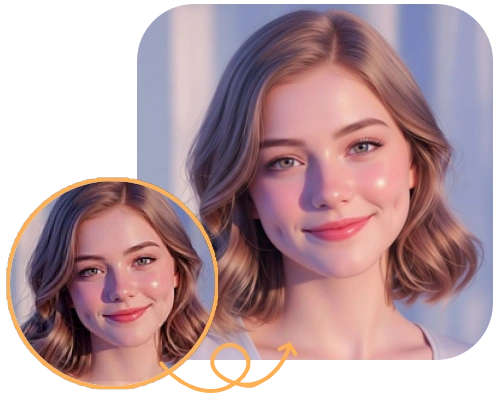
Upload your photo and watch AI enhance it in seconds. Fix blur, boost sharpness, and restore fine details automatically—no editing skills, no setup, just instant results.
1
Upload a photo
Upload Image
Click or drag image here
PNG / JPG / JPEG / WEBP · Max 2MB
2
Select Enhance Factor
USE CASE
Before and After: Real Photo Enhancements
See how different types of photos are enhanced with AI—from portraits to products and landscapes.
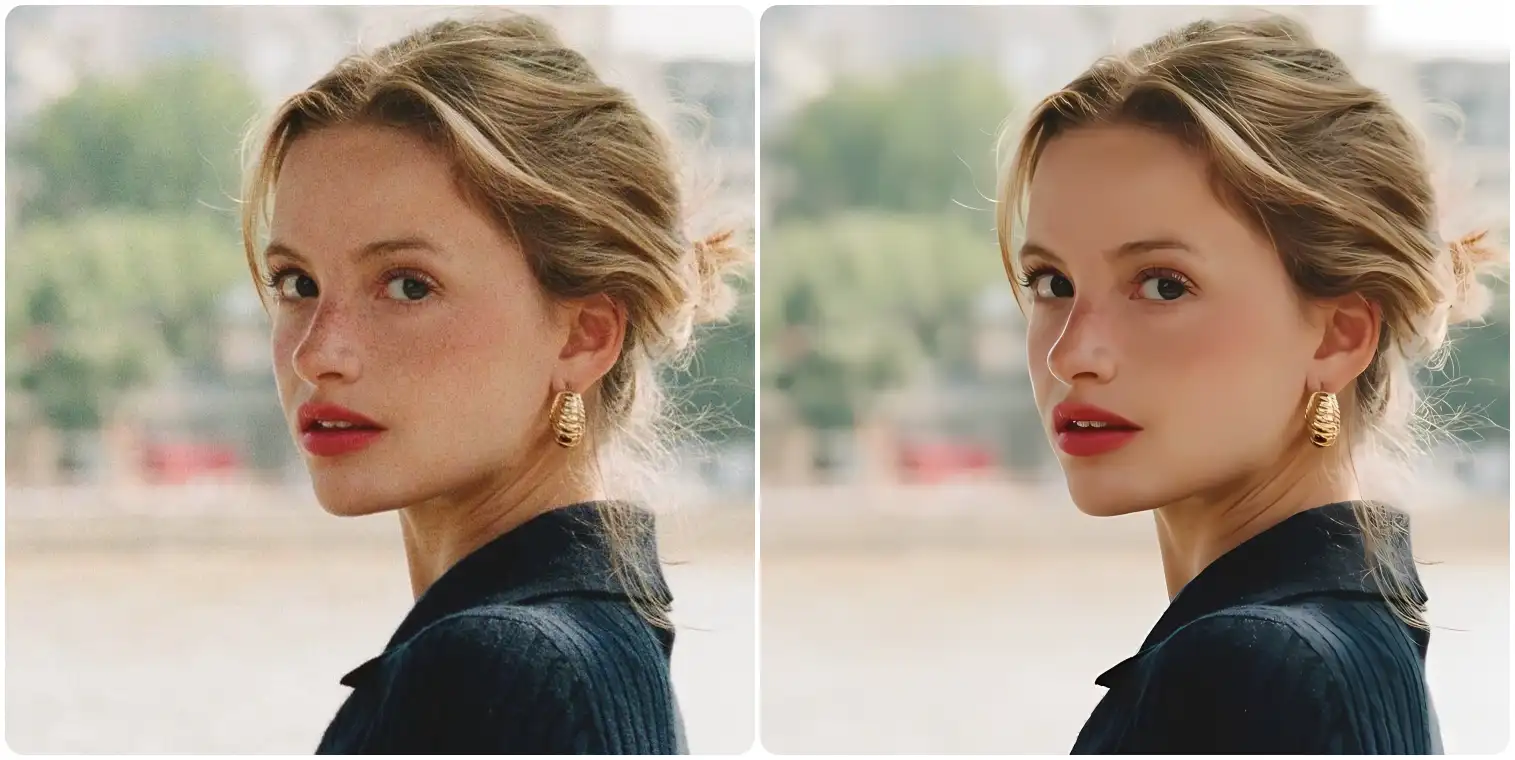
Portrait
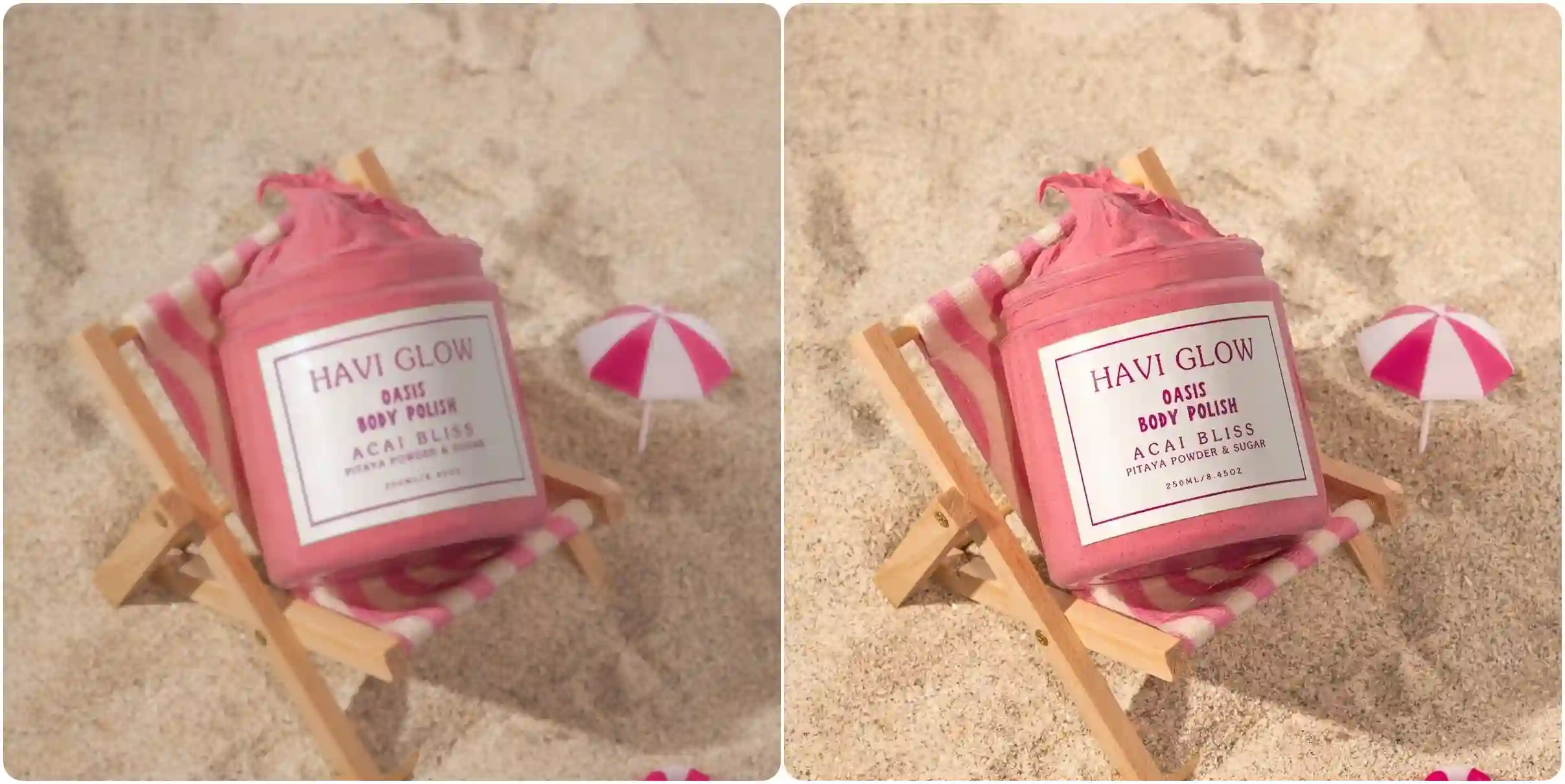
Product
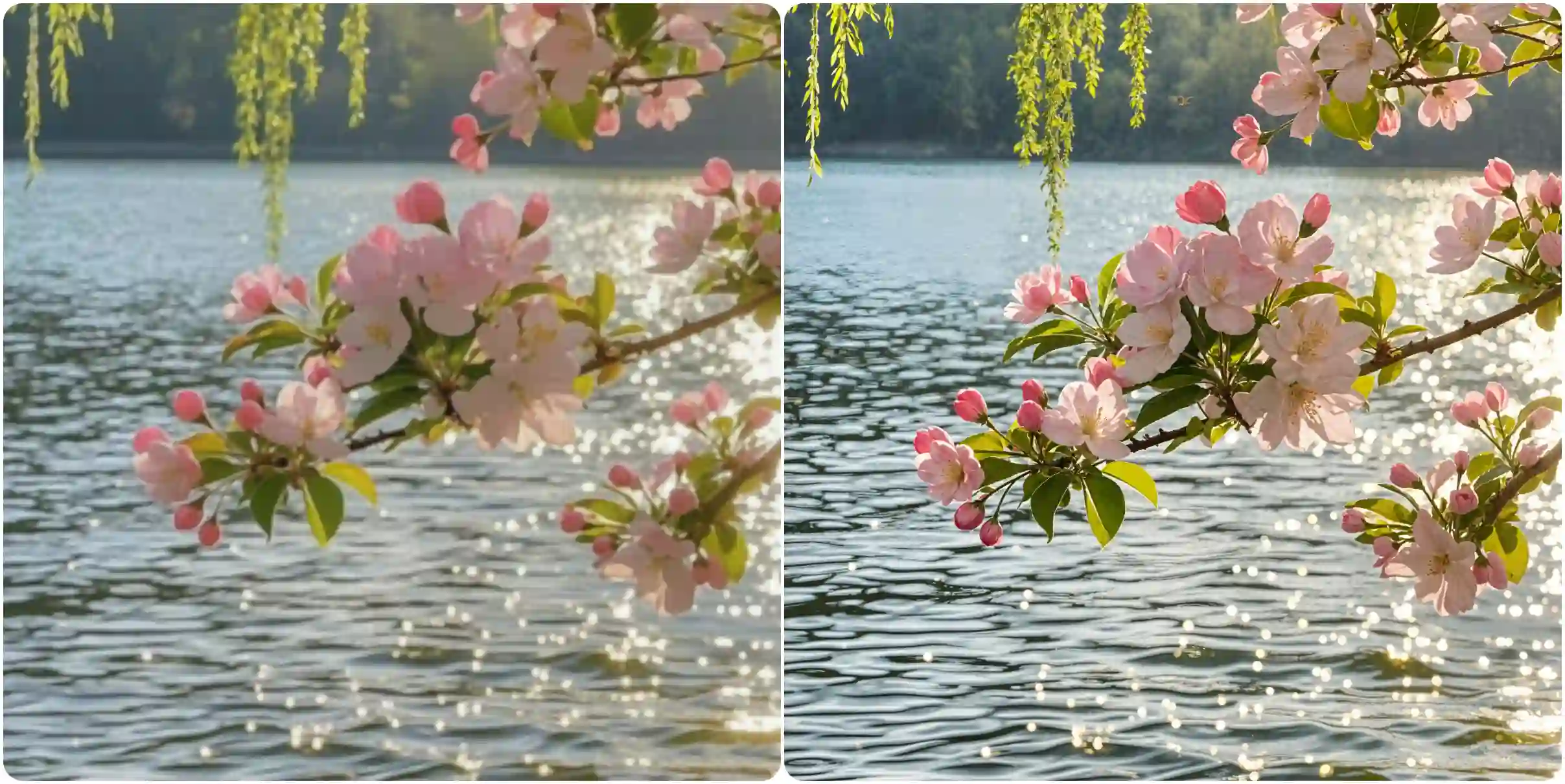
Landscap
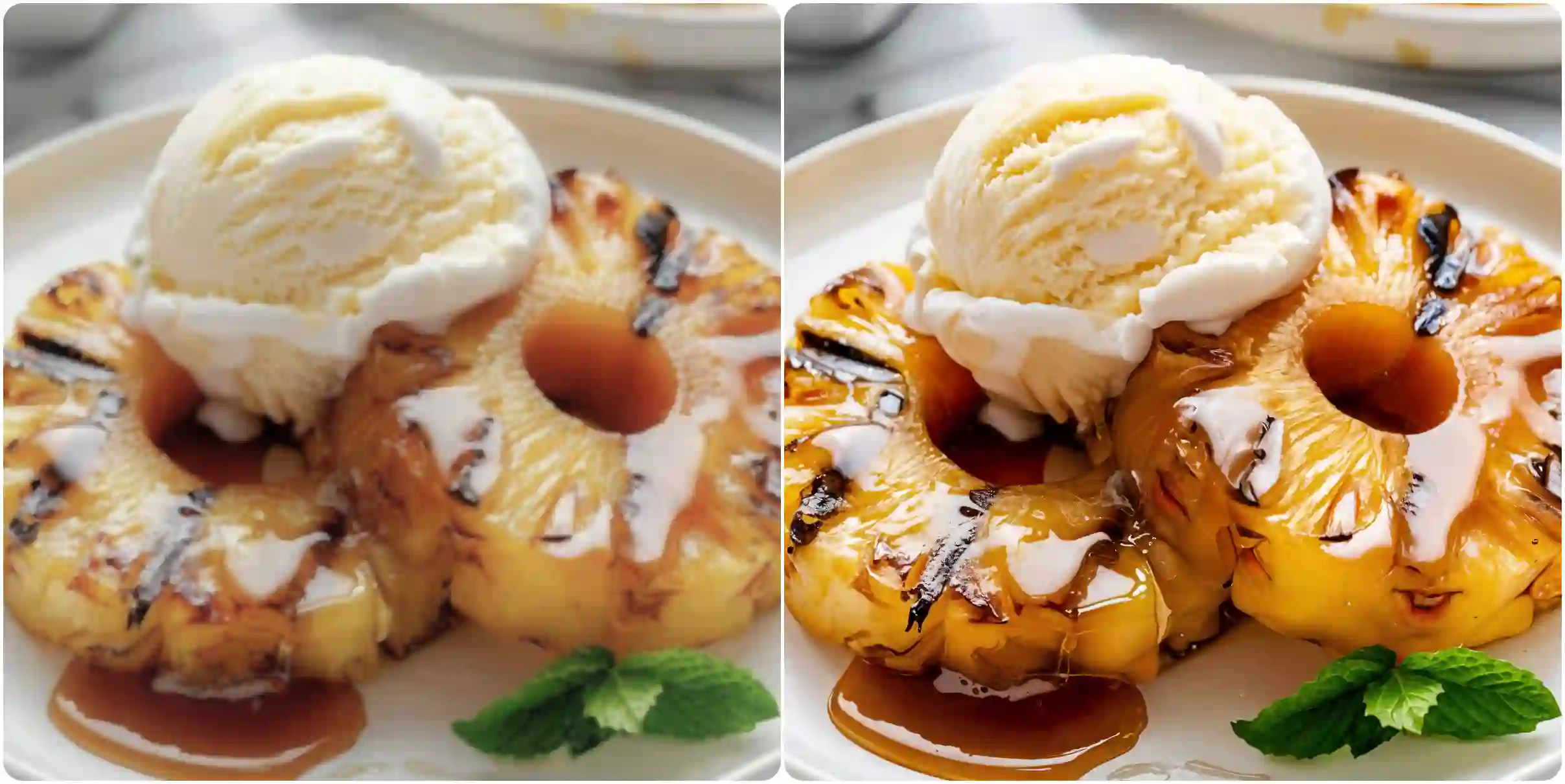
Food
Discover How Our AI Enhances Your Photos
Explore how AI sharpens details, reduces blur, and adapts to different photo types through the features below.
Sharper Details and Clearer Image Quality
Blurry and low-quality photos often lose important details, making them unusable for sharing or publishing. Our AI Photo Enhancer analyzes your image structure, edges, and textures to intelligently improve sharpness and clarity without overprocessing. Whether you’re fixing motion blur, soft focus, or compression artifacts, the enhancement feels natural and balanced. Perfect for portraits, social media photos, and everyday images that need a clean, professional look without manual adjustments.
Enhance Photo Quality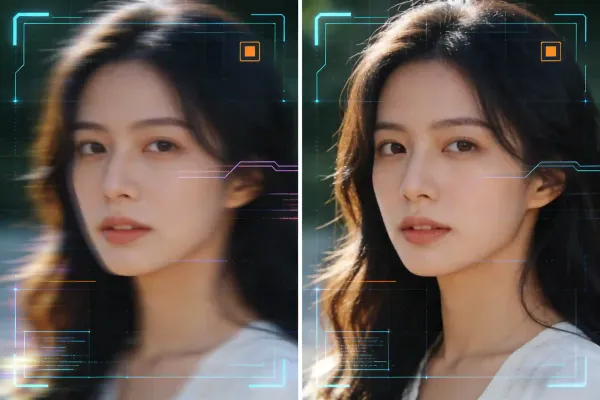
Smart AI Enhancement That Understands Your Image
Unlike basic filters, this AI-powered photo enhancer detects different elements in your photo—faces, objects, backgrounds, and lighting—and applies targeted improvements where they matter most. The model enhances resolution, restores lost details, and adjusts contrast while preserving the original style of the image. This makes it ideal for improving low-resolution photos, restoring old images, or upgrading photos generated by other tools.
Enhance with AI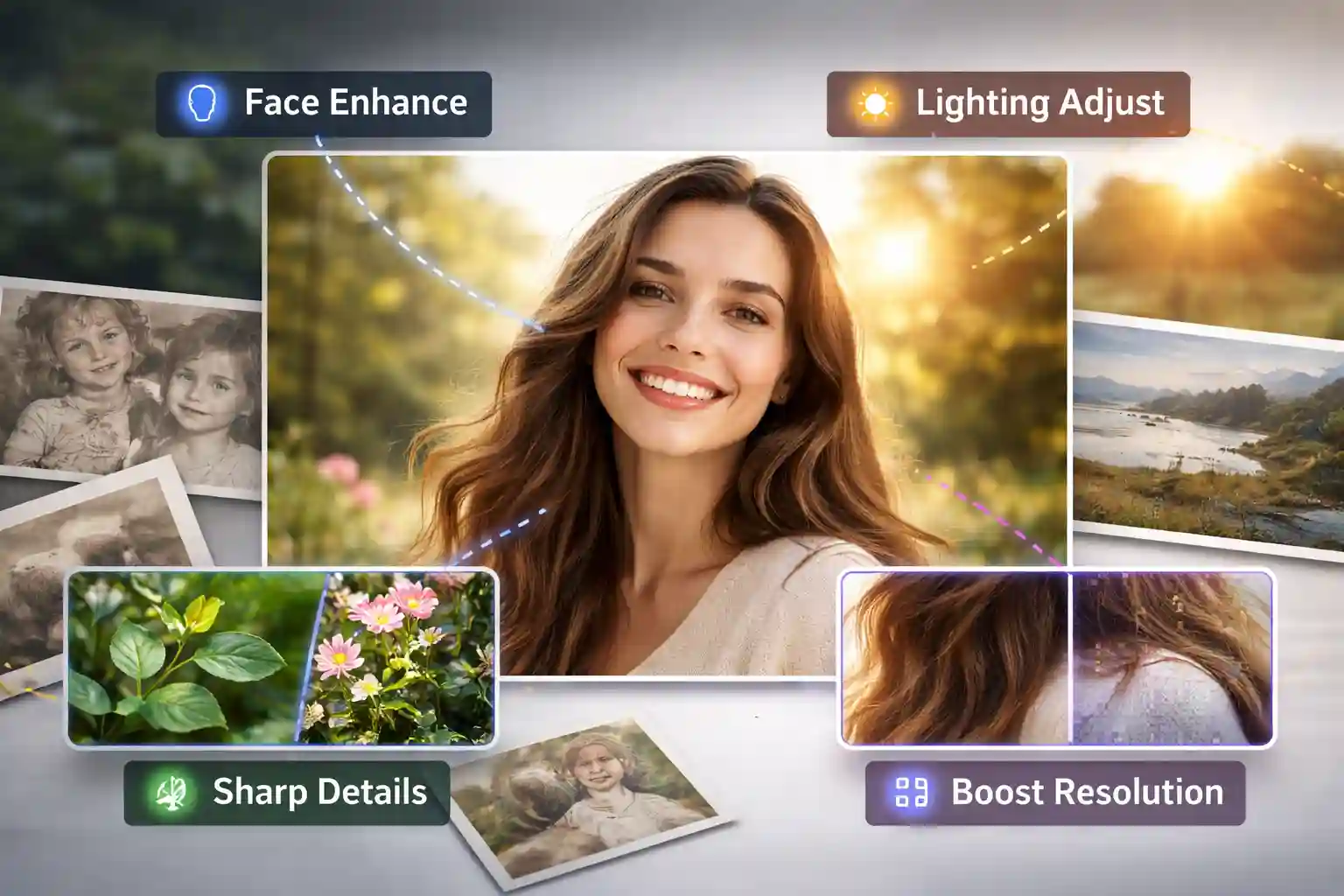
Fast Online Enhancement with No Setup Required
Enhancing photos shouldn’t require software downloads or editing experience. This AI Photo Enhancer works fully online and processes images in seconds. Simply upload your photo, let the AI handle enhancement automatically, and download the improved result. No installation, no technical settings, and no learning curve. It works smoothly on desktop and mobile, making photo enhancement accessible anytime, anywhere.
Enhance Photo Instantly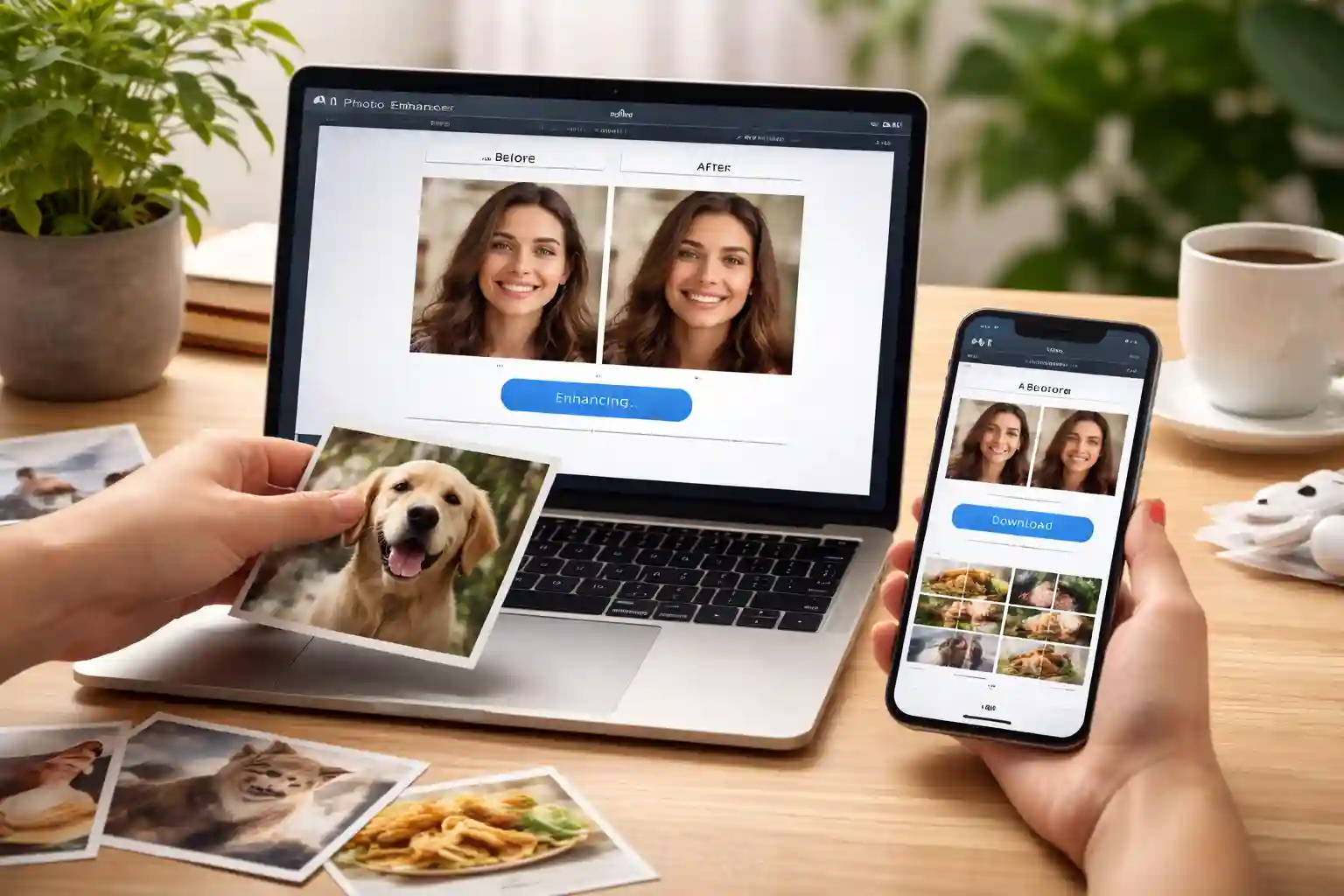
Enhance People, Products, Landscapes, and Objects
Whether you’re enhancing portraits, real-world objects, landscapes, or product photos, the AI adapts to different image types automatically. It improves facial details without over-sharpening, restores textures on physical items, enhances depth and color in scenery, and sharpens product images for clearer presentation. From everyday photos to professional visuals, this AI Photo Enhancer delivers balanced, natural-looking results across a wide range of photo content.
Enhance Any Photo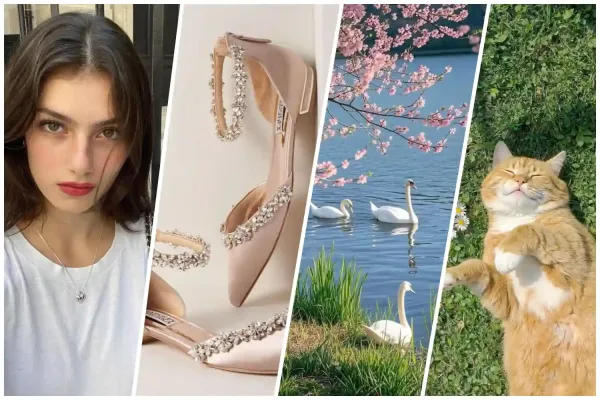
how it works
How to Enhance Your Photos in 3 Clicks
Enhance your photos in seconds with a simple, guided process. No editing skills required—just upload, adjust (or not), and generate.
Step 1: Upload Any Photo
Upload a photo from your device. The AI supports portraits, products, landscapes, and everyday images in common formats.
Step 2: Choose Enhancement Strength
Select the enhancement level if needed. The default setting is the most balanced option and works well for most photos—no adjustment required.
Step 3: Generate & Download
Let the AI process your image automatically. Preview the enhanced result and download the improved photo instantly.
Clearer photos start with a single upload.
FAQ
Frequently Asked Questions
Got a question? We've got answers. If you have some other questions, contact us using email.