
An AI image upscaler is a smart online tool that helps you increase image resolution and enhance picture quality. It uses AI to improve photo clarity, sharpen details, and make images look better instantly.
Free AI Image Upscaler Online
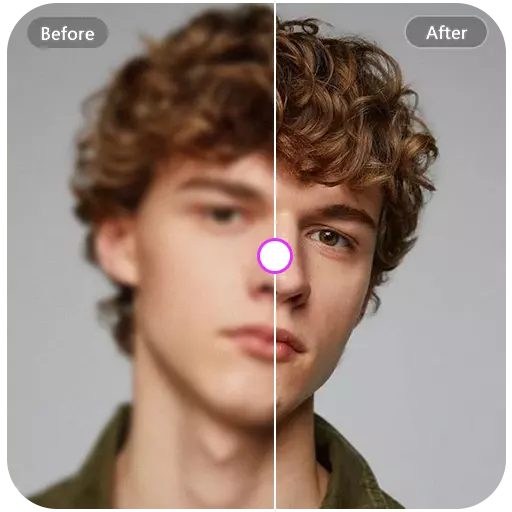
Enhance image resolution online with AI. Increase image size up to 4× while preserving clarity and quality. Supports JPG, PNG, and WEBP image formats.
1
Upload a photo
Upload Image
Click or drag image here
PNG / JPG / JPEG / WEBP · Max 2MB
2
Select Upscale Factor
Examples
See How Live3D AI Image Upscaler Improves Image Online
Enhance any photo with our free AI upscaler. Whether it’s anime, portraits, or landscapes, upscale online up to 4× while preserving sharp details and high resolution.
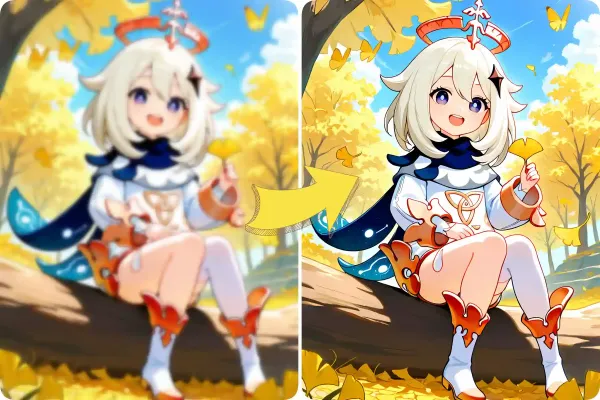
Anime Illustrations
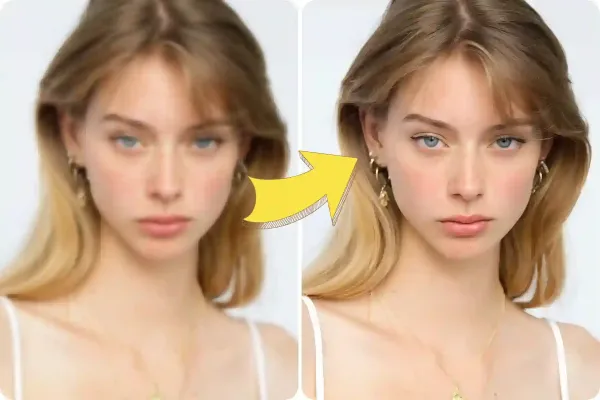
Portraits
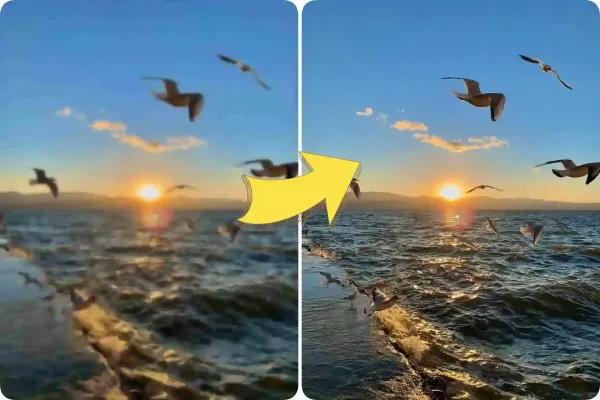
Landscapes
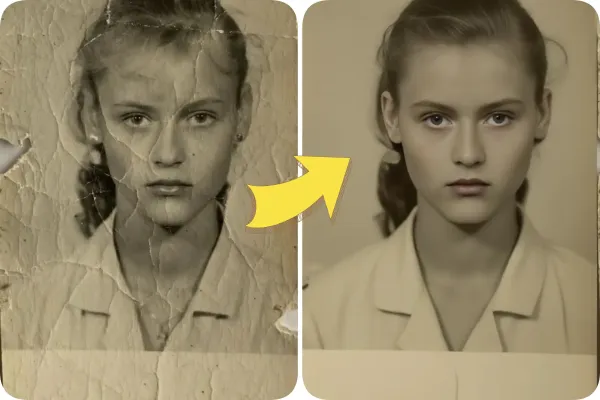
Old photos
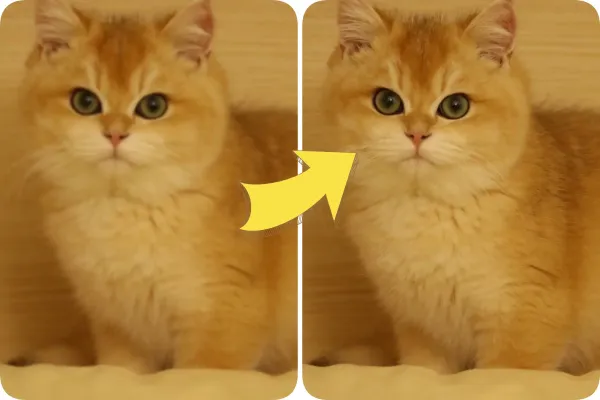
Animals
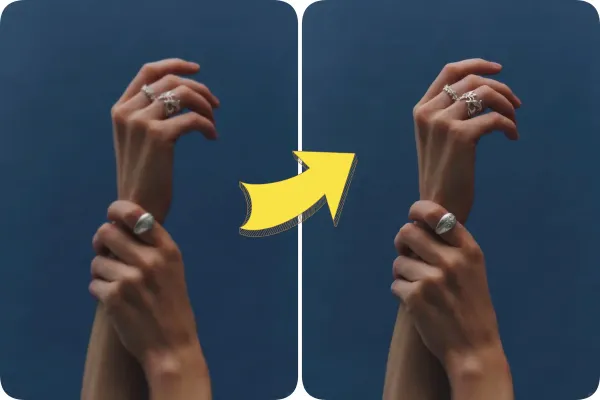
Product Photos
Key features of Live3D AI image upscaler
Explore the powerful capabilities that distinguish our product from others.
Upscale Images by Up to 4x While Keeping Their Natural Look
Enhance your photos effortlessly with Live3D AI Image Upscaler. Increase resolution 2x to 4x while maintaining natural colors and sharpness. The AI intelligently sharpens edges, restores details, and transforms low-resolution images into crisp, high-quality visuals—all in seconds with our free online tool.
Enhance Image Now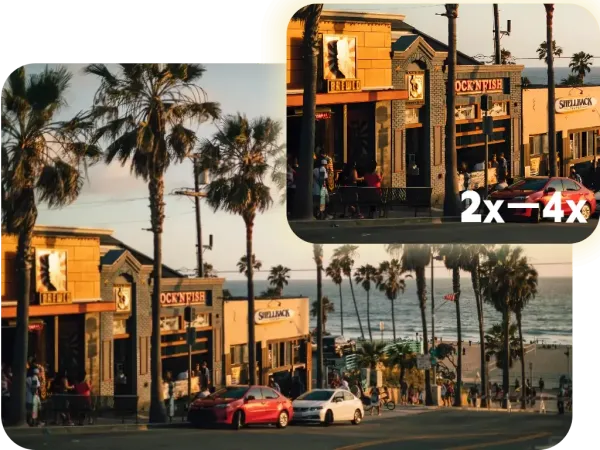
Process All Types of Images for Multiple Needs
Live3D AI Image Upscaler works seamlessly with all kinds of images, from original photographs and digital artwork to illustrations and generated content. Whether for social media, graphic design, or creative projects, this versatile tool delivers high-resolution results with excellent clarity. Upscale images up to 4x, preserve natural textures, and bring your visuals to life effortlessly.
start upscaling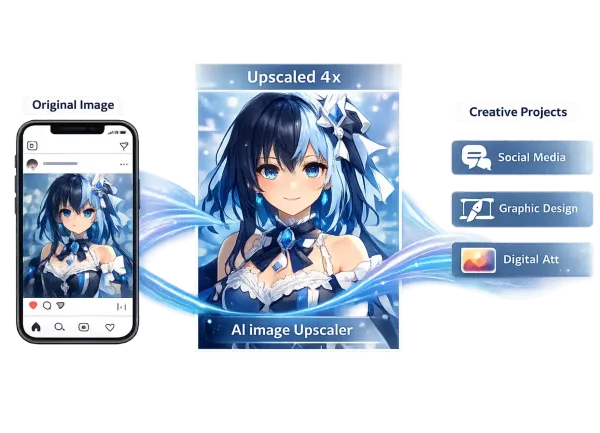
Enhance Image Quality by Removing Noise and Adding Details
Bring out the best in every photo with our AI image enhancer. Say goodbye to grainy or blurry areas as the AI automatically reduces noise and adds fine details, producing images that are both clear and visually striking. Experience professional-level image enhancement without complex editing.
Unleash Details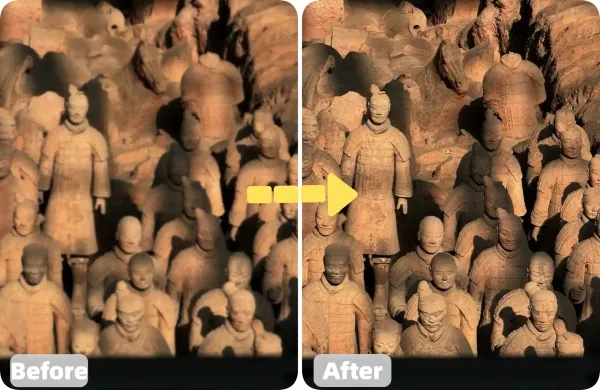
How to Upscale Images Quality with AI Image Upscaler
Upscaling your image is easy and fun—just follow these three steps.
Step 1: Upload Your Image
Select any JPG, PNG, or WEBP image to start. The AI analyzes the image to enhance resolution and restore details automatically.
Step 2: Choose Upscale Level
Select the desired resolution increase, up to 4×. The AI Image Upscaler sharpens edges and improves clarity during processing.
Step 3: Preview and Download
View the upscaled image instantly. Download or share the high-resolution result, or try images for optimal quality.
FAQ
FAQ About AI Image Upscaler
Learn how our free AI image upscaler can increase image resolution, enhance photo quality, and sharpen your images online.