
GPT Image 2 is a next-generation image generation model from OpenAI, designed to create high-quality visuals from text prompts. It offers improved realism, better detail, and stronger prompt understanding compared to earlier models.
Create Stunning Images with GPT Image 2
Explore how GPT Image 2 interprets prompts and delivers consistent, high-quality results across different styles.
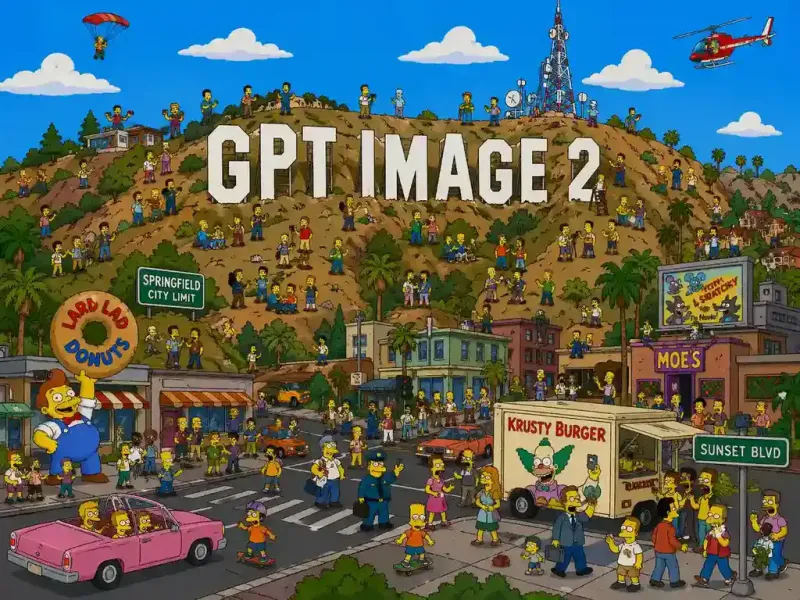
This model does not support NSFW images.
DEMO
See the Difference: GPT Image 2 vs Nano Banana vs Grok Imagine
Compare real image results across models. See how OpenAI GPT Image 2 performs against Nano Banana and Grok Imagine in detail, realism, and consistency.

GPT Image 2 Text to Image
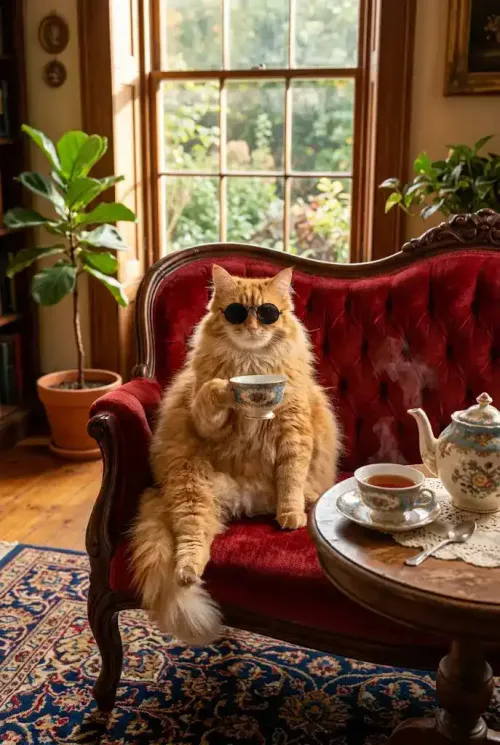
Nano Banana 2 Text to Image

Grok Imagine Text to Image
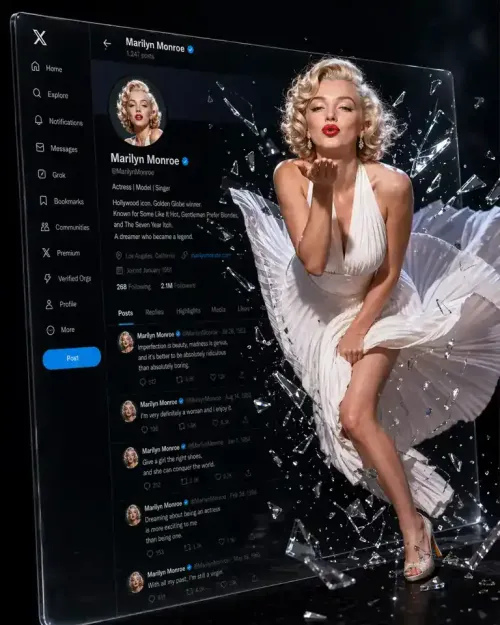
GPT Image 2 Image to Image
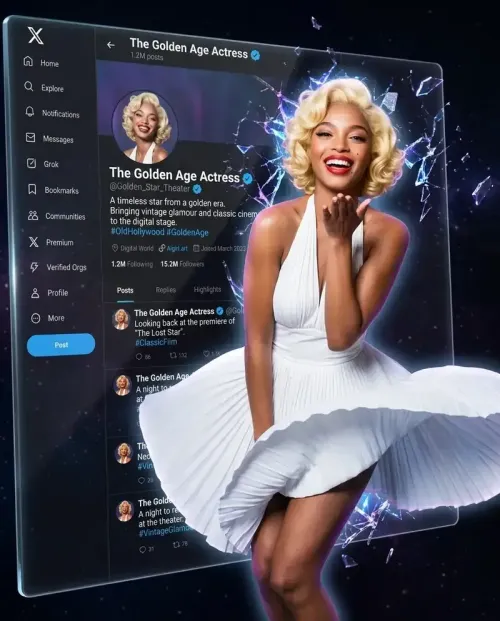
Nano Banana 2 Image to Image
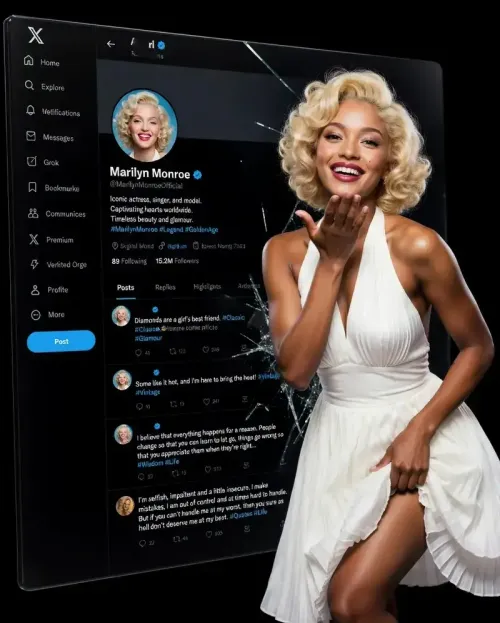
Grok Imagine Image to Image
What Makes GPT Image 2 Stand Out
Discover what makes GPT Image 2 from OpenAI stand out—creating high-quality visuals with stronger prompt understanding and more consistent, reliable results across styles.
Sharper Text Rendering and Structured Visual Layout Control
Design visuals where text is not an afterthought but a core element. GPT Image 2 allows you to generate layouts with clear hierarchy, readable text, and organized structure—making it easier to create assets that feel closer to real design outputs than rough concepts.
✅️Designed for text-first visuals
✅️Handles structured layouts naturally
✅️Closer to real design outputs
Create Structured Designs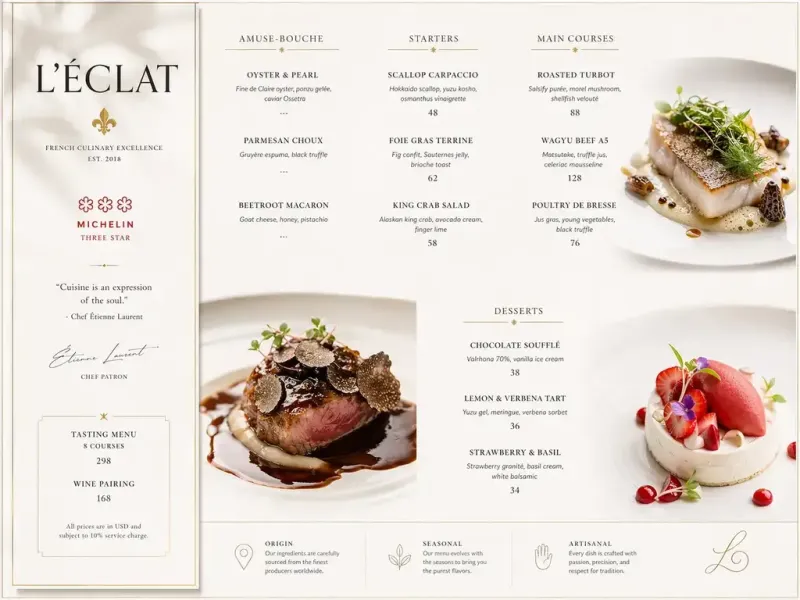
Advanced Visual Reasoning with Strong Prompt Understanding
Instead of guessing, GPT Image 2 follows intent. It interprets complex prompts with greater consistency, preserving relationships between elements and maintaining visual logic across the entire image, even in detailed or layered scenes.
✅️Interprets intent, not just keywords
✅️Maintains relationships between elements
✅️Consistent across complex prompts
Explore Prompt Precision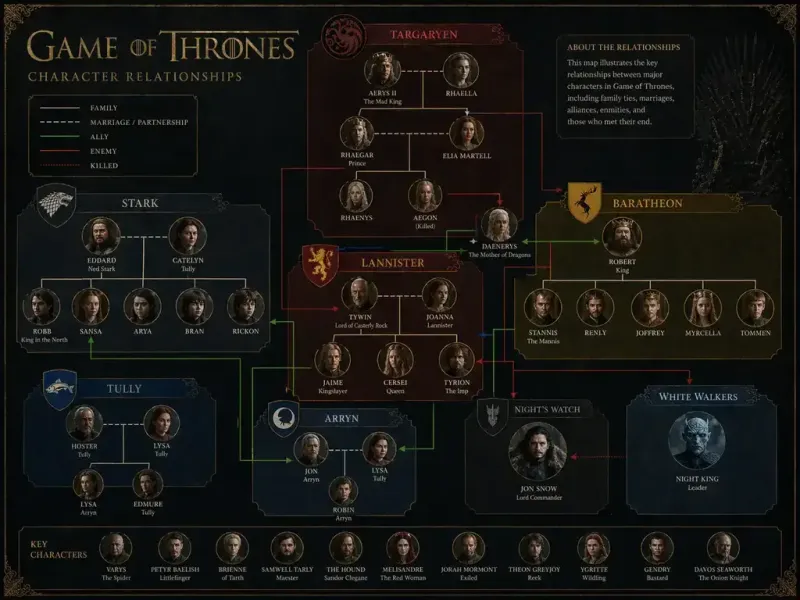
Multilingual Support for Global Creative Workflows
Create visuals that work across languages and regions without extra adjustments. GPT Image 2 supports multilingual text and adapts to different formats, helping you produce content that feels natural in both design and language.
✅️ Built for global content
✅️Handles multilingual text naturally
✅️Adapts across formats
Build Global Visuals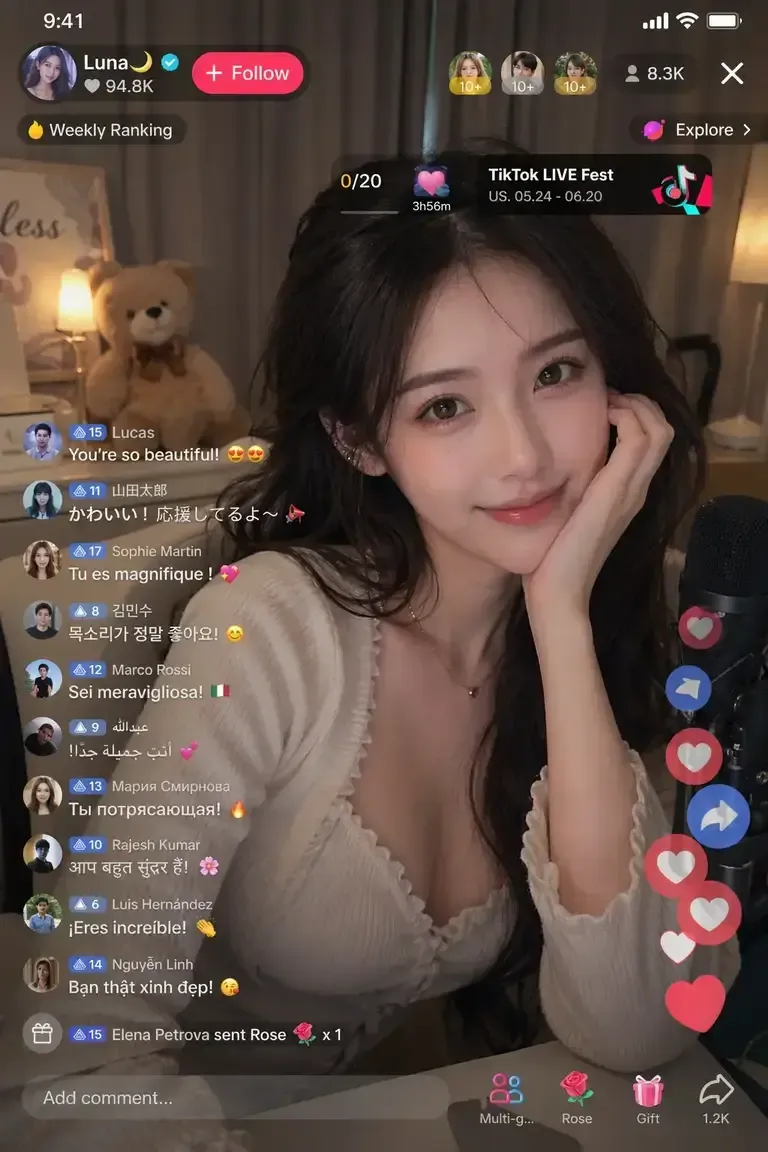
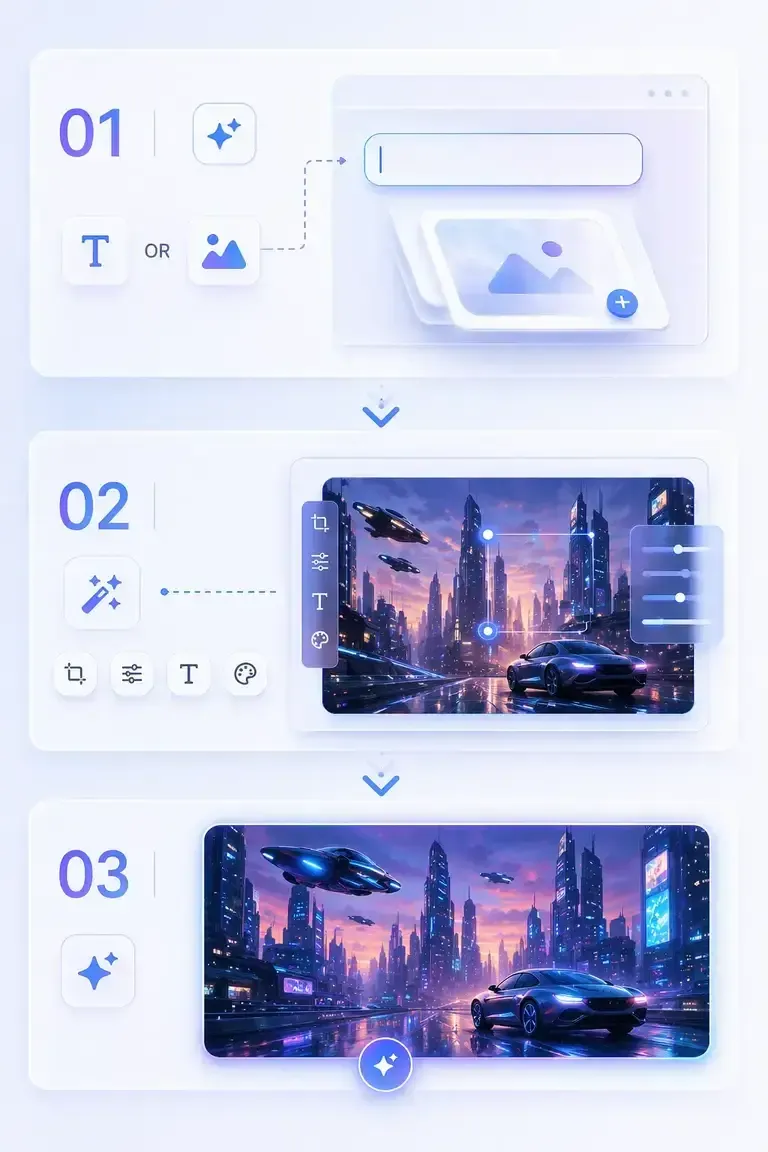
How to use GPT Image 2 ?
Start from text or an image—GPT Image 2 makes it easy to create and refine visuals in just a few steps.
1
Step 1: Start with Text or an Image
Begin by entering a prompt or uploading an image. You can create from scratch or use an existing image as your starting point.
2
Step 2: Describe or Edit Your Idea
Add details about what you want to generate or modify. Adjust layout, text, style, or visual elements to guide the final result.
3
Step 3: Generate Your Image
Click generate to create your image instantly. Review the result and download or refine it further if needed.
Create smarter, faster, instantly
FAQ