
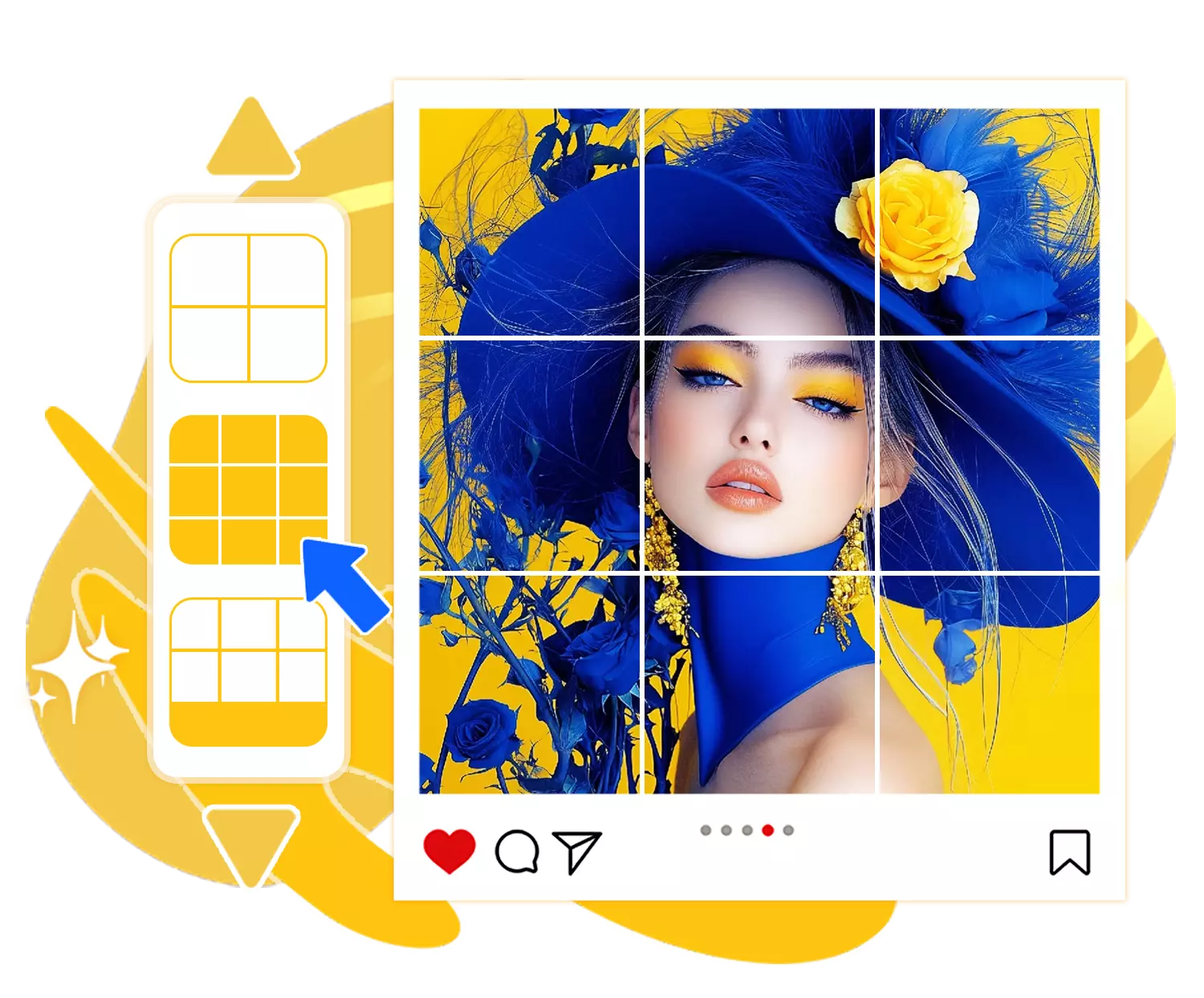
To split a photo for an Instagram grid, upload your image to an online photo splitter, choose a square (1:1) ratio, and select a grid layout such as 3×3. The tool will automatically divide your image into evenly sized tiles that align perfectly when posted in order on your profile.
Free Online Photo Splitter for Instagram
Want to turn your photos into eye-catching grids or recreate those Instagram layouts you’ve seen? Use our online photo splitter to make it simple and seamless.
Upload image
Upload Image
Click or drag image here
PNG / JPG / JPEG / WEBP · Max 5MB
Ratio
Select
col:
row:
Generate & Download
How to Split Photos for Instagram in 4 Easy Steps
Splitting your photo into perfectly aligned tiles is simple with our Instagram Photo Splitter. Just follow these steps to crop, customize, and export your images exactly the way you need.
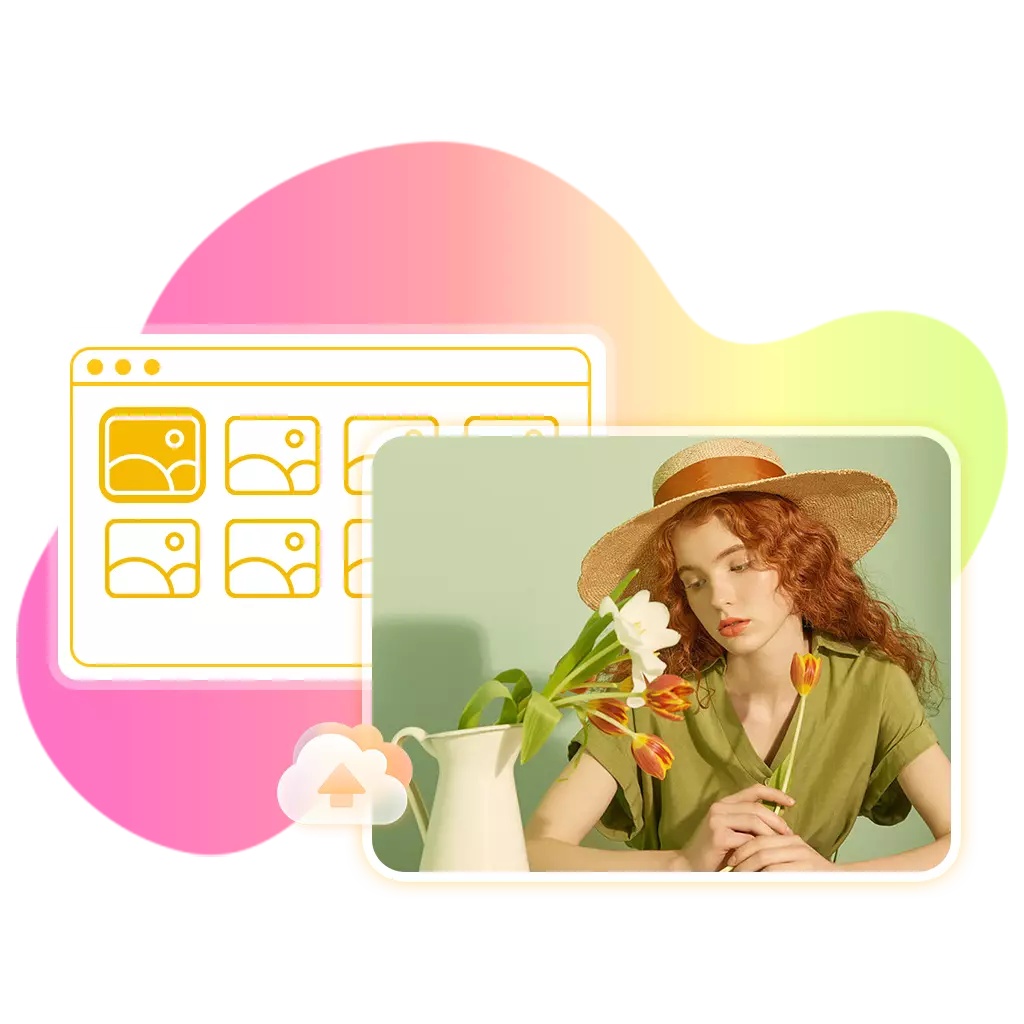
1. Upload and crop your image
Upload your photo and adjust the crop area to define exactly how
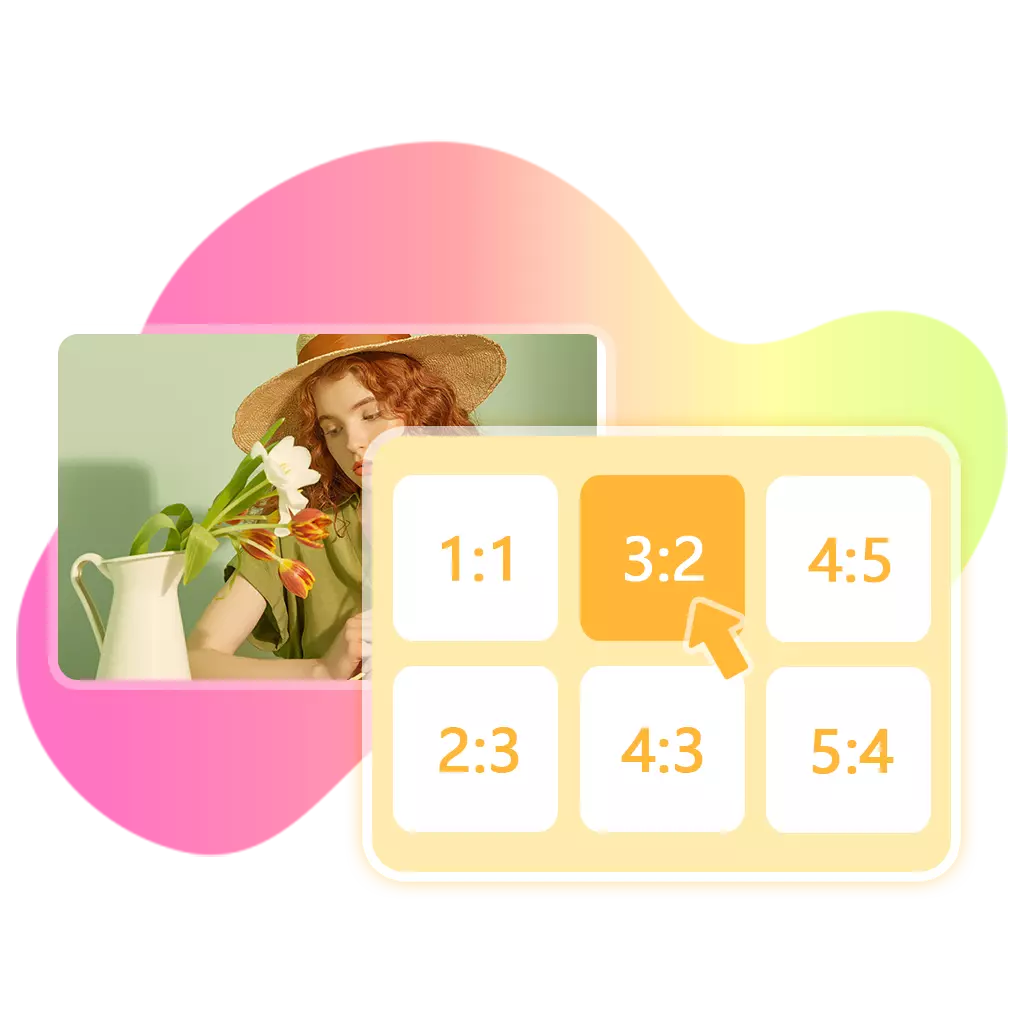
2. Choose tile size
Select the aspect ratio for each tile, such as 1:1, 4:5 (ideal for Instagram), or 2:3.
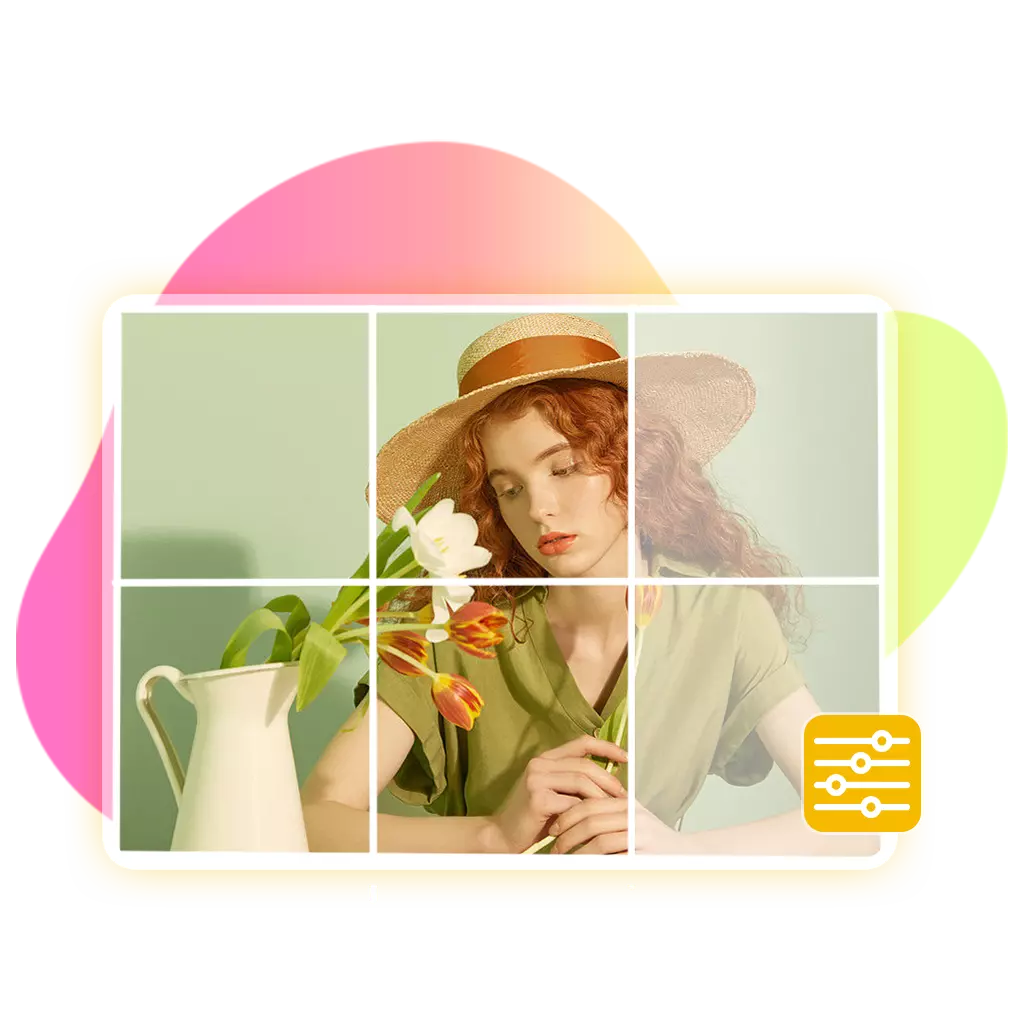
3. Set your grid
Choose the number of rows and columns. The default is 3×3, and you can easily adjust the grid size.

4. Generate and download
Export all split images at once. Export all images in one click, perfectly ordered for seamless posting.
FEATURES
Why Use Our Photo Splitter
Our photo splitter for Instagram lets you split images into grids or tiles with full control—completely free, no login required, and unlimited use.
Full control over your layout
Customize aspect ratios, grid size, and crop area to create exactly the layout you want—no limitations.
Built for Instagram-ready results
Easily create grids and carousel images optimized for how content is actually displayed on Instagram.
Flexible aspect ratios
Choose from 1:1, 4:5, 2:3, or any custom ratio to fit different platforms and creative needs.
Smart image splitting
Upload any image size and split it precisely based on your selected layout without complicated adjustments.
High-quality exports
Download all image tiles in full resolution with clean edges and no quality loss.
Automatically ordered output
All images are neatly numbered from left to right, top to bottom, so you can post them in the correct sequence effortlessly.
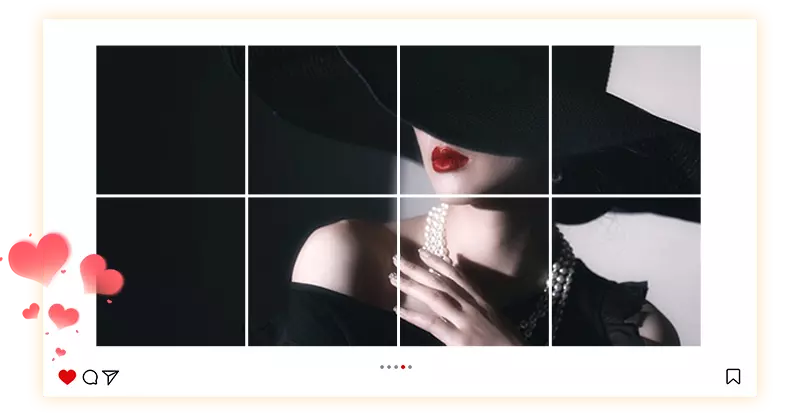
USE CASE
Choose the Right Format for Your Photo Layout
Not sure which format to choose? Pick the layout that matches your goal—whether you're creating an Instagram grid, a carousel post, or a custom design.
Create Perfect Instagram Grid Layouts with 1:1 Tiles
Square images are essential for building clean and cohesive Instagram profile grids. With our instagram photo splitter, you can split images into perfectly aligned 1:1 tiles that fit seamlessly into your profile layout. This format ensures every piece lines up correctly without unexpected cropping, making it ideal for 3×3 puzzle grids or larger compositions that create a strong visual impact.
Start Instagram Grid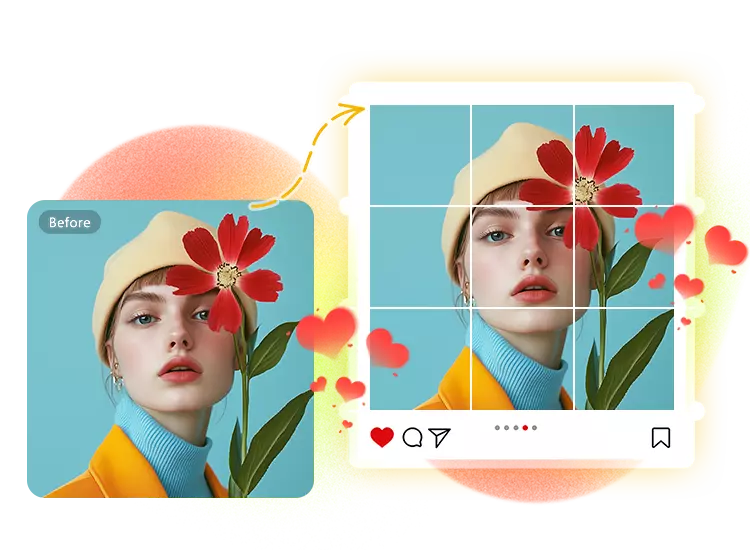
Design Eye-Catching Instagram Carousel Posts in 4:5 Format
The 4:5 ratio is widely used for Instagram posts because it takes up more vertical space and captures attention quickly. Using our instagram photo splitter, you can split images into vertical tiles optimized for carousel posts, creating a smooth, swipeable experience. This format is perfect for storytelling, product showcases, and multi-part visuals that keep users engaged.
Start Carousel Layout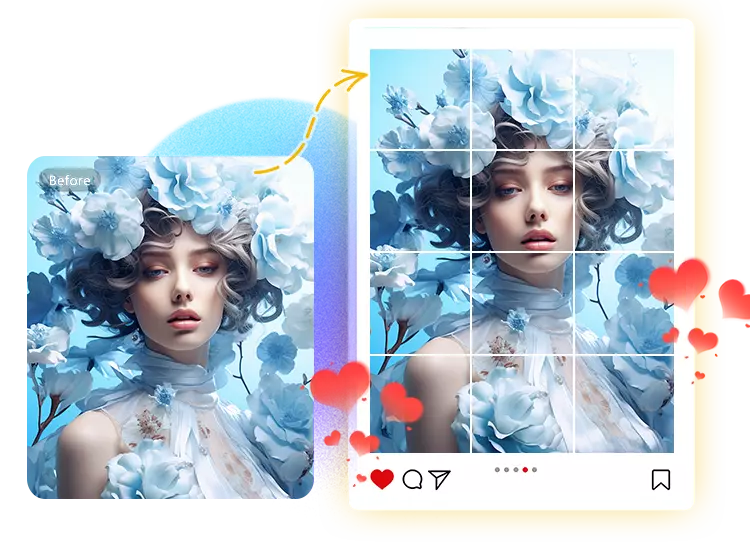
Create Flexible Layouts and Creative Designs with 2:3 Ratio
The 2:3 ratio offers greater flexibility for creative projects beyond standard social media formats. With our Free photo splitter, you can split images into well-balanced tiles suitable for posters, prints, or unique visual layouts. This format preserves more detail while allowing for structured compositions, making it ideal for users who want more creative control.
Start Custom Layout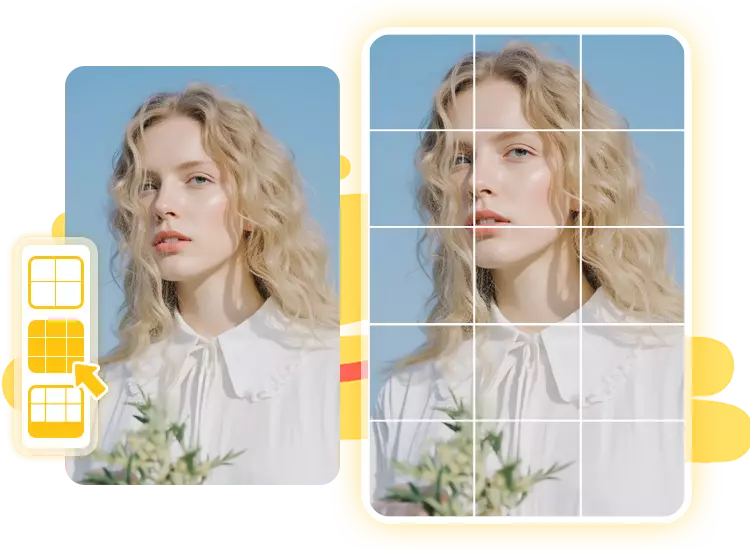
Create scroll-stopping Instagram grids and layouts—start in seconds!
FAQ