
Grok Imagine is an AI image generator developed by xAI that transforms text prompts or images into visuals. It is designed for flexible creation, accurate prompt understanding, and expressive image generation across different styles.
Grok Imagine AI Image Generator & Editor
Create, edit, and refine images with Grok Imagine in one place, using flexible tools and precise control to bring your ideas to life.
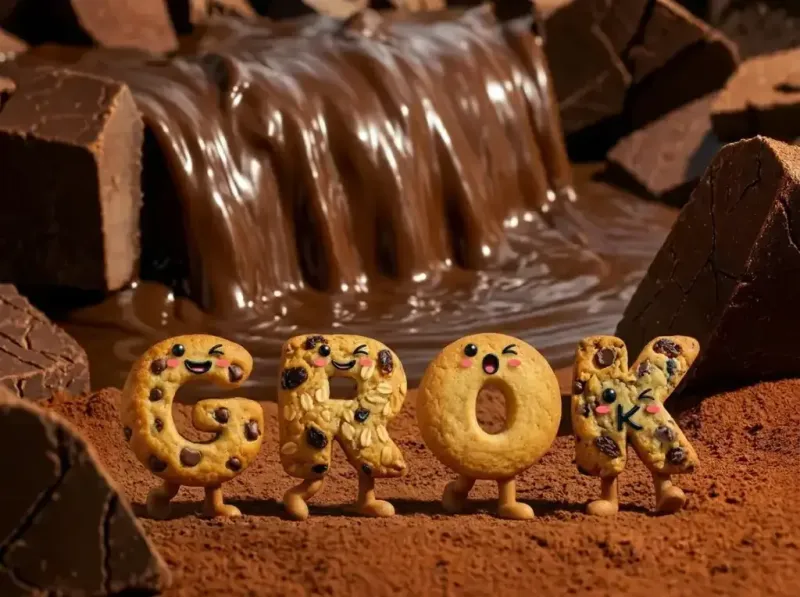
This model does not support NSFW images.
👀 SIDE-BY-SIDE VISUAL RESULTS
Grok Imagine vs Nano Banana 2 vs Seedream 5: Real Image Output Comparison
View real outputs from Grok Imagine, Nano Banana 2, and Seedream 5 using the same inputs. A simple side-by-side comparison you can judge instantly.
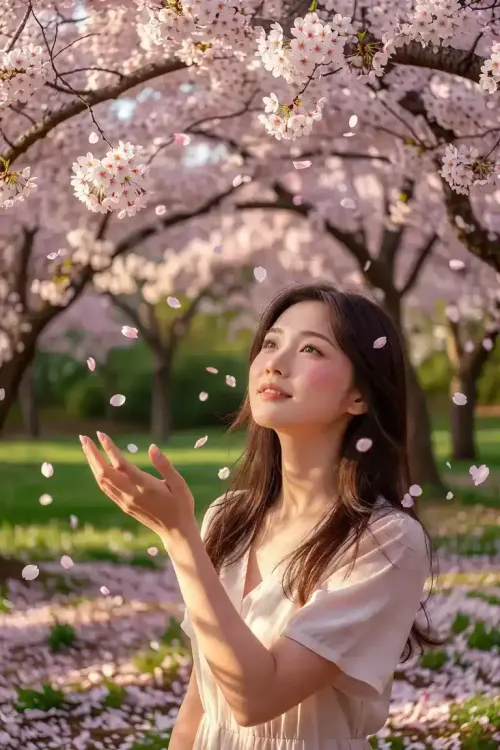
Grok Imagine Text to Image
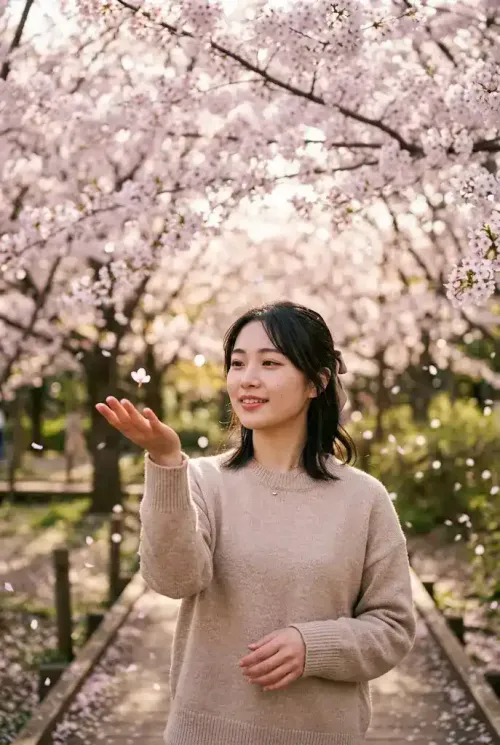
Nano Banana 2 Text to Image
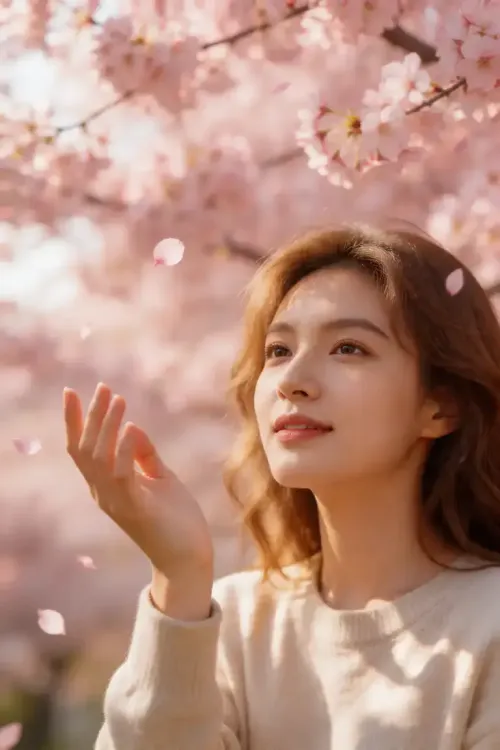
Seedream 5 Text to Image
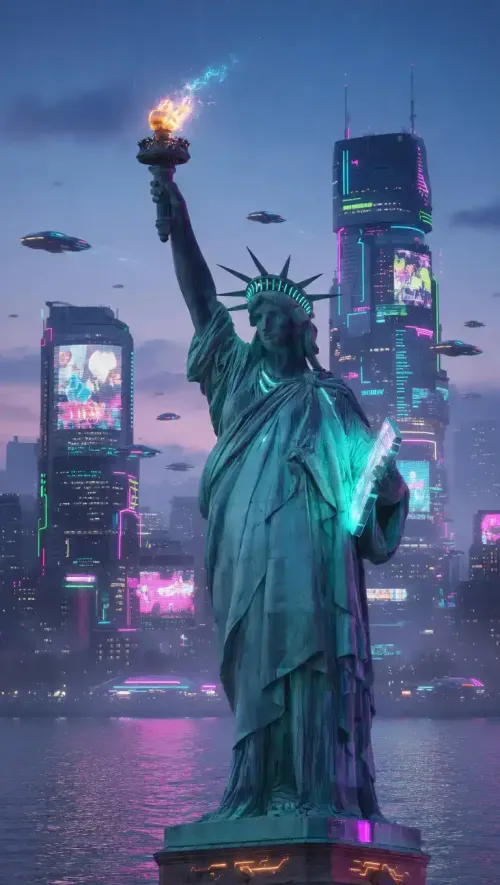
Grok Imagine Image to Image
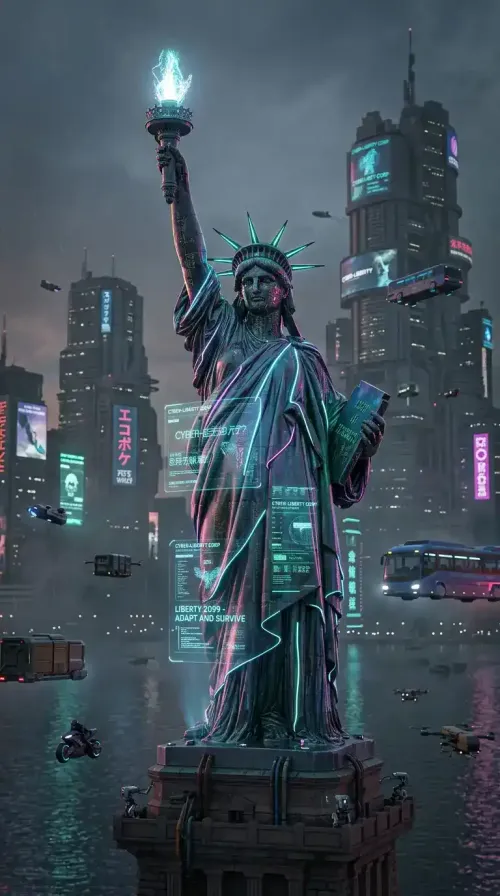
Nano Banana 2 Image to Image
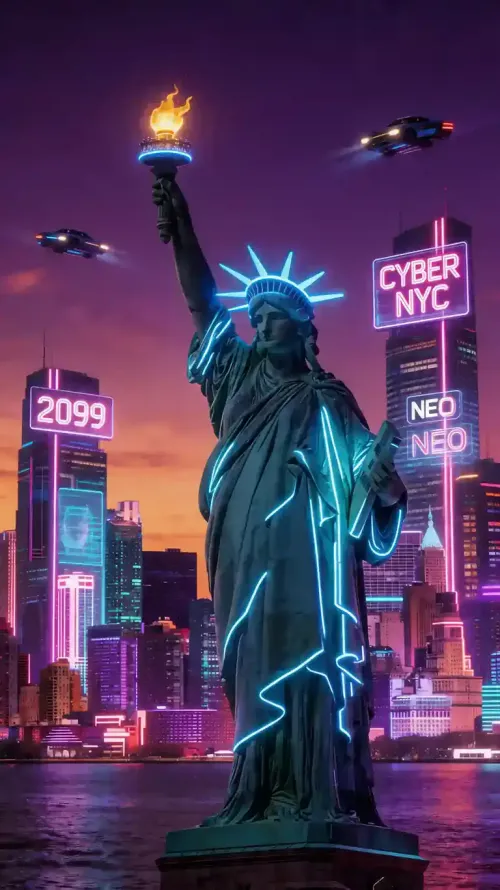
Seedream 5 Image to Image
Breaking Down the Differences
Take a closer look at how each model compares in features and limits to decide which one works best for your use case.
Feature
Grok Imagine
Nano Banana 2
Seedream 5.0
Overview
Multimodal AI by xAI
Strong prompt understandingFast generation & refinement
Strong prompt understandingFast generation & refinement
Google AI model
High-speed image generation
Structured, accurate outputs
High-speed image generation
Structured, accurate outputs
ByteDance model
High-fidelity visuals
High-fidelity visuals
Aspect Ratio
1:1, 1:2, 2:1, 2:3, 3:2, 3:4, 4:3, 9:16, 16:9
1:1, 3:2, 2:3, 3:4, 4:3, 4:5, 5:4, 9:16, 16:9, 21:9, 1:4, 4:1, 1:8, 8:1
1:1, 4:2, 3:4, 16:9, 9:16, 3:2, 2:3, 21:9
Resolution
1K, 2K, Up to 4K export
512px, 1K, 2K, 4K
2K, 3K
Max Input Images
3
14
10
Max Outputs
4
5
5
Overview
Grok Imagine
Multimodal AI by xAI
Strong prompt understandingFast generation & refinement
Strong prompt understandingFast generation & refinement
Nano Banana 2
Google AI model
High-speed image generation
Structured, accurate outputs
High-speed image generation
Structured, accurate outputs
Seedream 5.0
ByteDance model
High-fidelity visuals
High-fidelity visuals
Aspect Ratio
Grok Imagine
1:1, 1:2, 2:1, 2:3, 3:2, 3:4, 4:3, 9:16, 16:9
Nano Banana 2
1:1, 3:2, 2:3, 3:4, 4:3, 4:5, 5:4, 9:16, 16:9, 21:9, 1:4, 4:1, 1:8, 8:1
Seedream 5.0
1:1, 4:2, 3:4, 16:9, 9:16, 3:2, 2:3, 21:9
Resolution
Grok Imagine
1K, 2K, Up to 4K export
Nano Banana 2
512px, 1K, 2K, 4K
Seedream 5.0
2K, 3K
Max Input Images
Grok Imagine
3
Nano Banana 2
14
Seedream 5.0
10
Max Outputs
Grok Imagine
4
Nano Banana 2
5
Seedream 5.0
5
Why Choose Grok Imagine for AI Image Generation
Built for creators who value both control and flexibility, Grok Imagine AI Image Generator delivers accurate prompt execution with a strong sense of visual context.
OPEN CANVAS
Unrestricted Creative Freedom for Expressive Visual Content
Grok Imagine gives you more creative freedom compared to many constrained image generators. You can explore bold, unconventional ideas, from humor-driven visuals to stylized social content, without overly restrictive filters shaping the outcome. This makes it easier to experiment, iterate, and express unique concepts that feel authentic and unfiltered, especially for creators who value originality and creative flexibility.
Start Creating Freely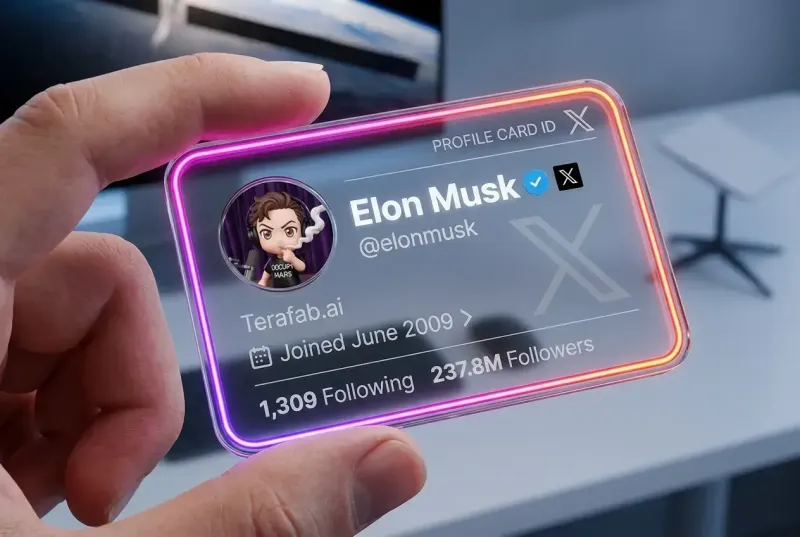
PRECISION
Precise Prompt Execution for Structured Visual Composition
Grok Imagine is designed to follow detailed instructions with high accuracy. Whether defining scene layout, camera perspective, or lighting direction, it can translate complex prompts into structured visuals with minimal deviation. This level of control reduces repeated attempts and helps creators achieve specific results faster, making it well-suited for workflows that require consistency and precision.
Test Prompt Control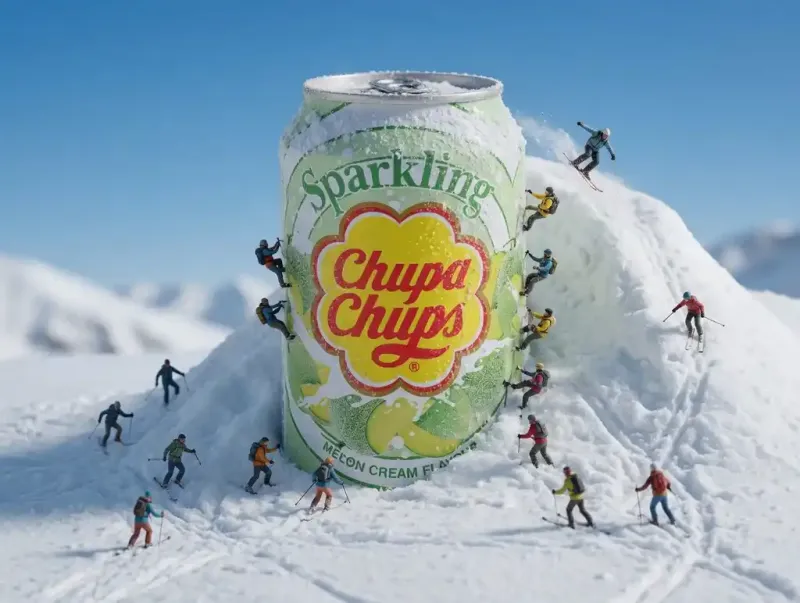
REALISM
High-Fidelity Rendering with Realistic Detail and Depth
With advanced rendering capabilities, Grok Imagine produces images with convincing textures, depth, and lighting. It can generate realistic objects, environments, and scenes that feel visually grounded and cohesive. This makes it effective for use cases where clarity and visual quality are important, such as concept visuals, product imagery, or immersive design work.
Generate Realistic Images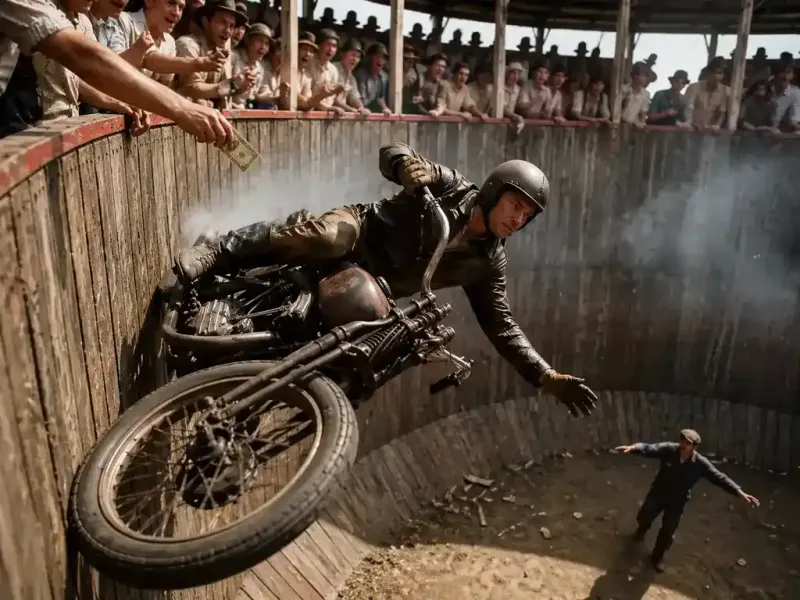
CONTEXT
Native Understanding of Internet Culture and Visual Language
Grok Imagine demonstrates strong awareness of modern internet culture, including trends, references, and visual styles. It can interpret nuanced prompts that rely on cultural context or familiar formats, helping generate content that feels relevant and engaging. This makes it particularly useful for creating shareable visuals that connect with online audiences in a natural and timely way.
Create Viral Content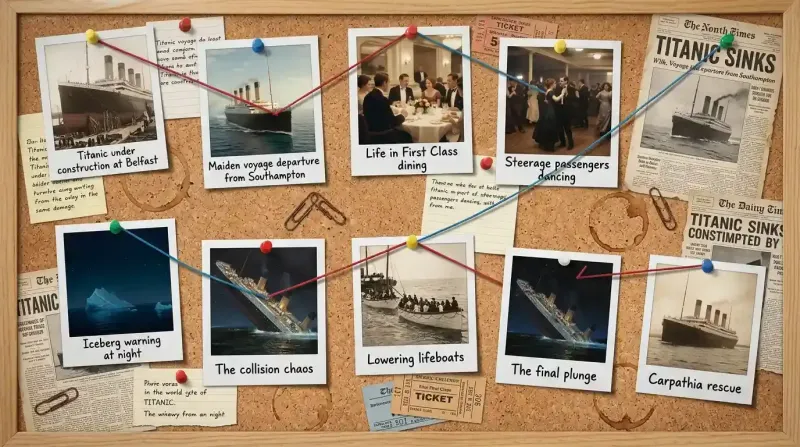
Why Use Grok Imagine on Live3D
Use grok imagine free on Live3D with added flexibility and ease. Create images faster with built-in tools, smarter prompts, and seamless access to multiple models.
Prompt Library
Explore a wide range of built-in prompts across styles and use cases. Get instant inspiration and start generating images faster without writing complex prompts from scratch.
Prompt Optimization
Enhance your prompts with built-in tools that improve clarity and structure. Generate more accurate and consistent results, especially for detailed or complex ideas.
Model Switching
Switch between multiple AI image models seamlessly. Compare outputs, explore different styles, and choose the best result without leaving the platform.
Free to Try
Start creating instantly with no registration required. Enjoy free access and a smooth experience, making it easy to test ideas and generate images anytime.
How to Get Started with Grok Imagine in 3 Simple Steps
Start creating with the grok image generator right away. Follow these simple steps to turn your ideas into images in seconds.
01
Step 1: Describe Your Idea or Add a Reference
Start by entering a prompt or uploading an image to guide the generation. You can also explore the built-in prompt library for quick inspiration.
02
Step 2: Customize Your Settings
Adjust options like aspect ratio, resolution, or switch between different AI models to match your desired style and output.
03
Step 3: Generate and Download Your Image
Click generate to create your image instantly. Preview the results and download your favorite output in just a few seconds.
Use the grok ai image generator to bring your vision to life in seconds.
FAQ